On this page
Someone asks you for "the CAD file" and you are not sure which one they mean. The laser shop wants one thing. The builder's drafter wants another. The bloke with the CNC machine wants a third.
They are not fussy for the sake of it. Each file type holds different information and each machine reads a different one. This guide explains the three big ones, plus PDF and SVG, and tells you which to send to whom.
What you need to know
- DXF is a flat 2D file of lines and curves. It is what laser, plasma and waterjet shops cut from.
- DWG is AutoCAD's own file. Drafters, builders and engineers trade drawings in it.
- STEP is a 3D solid. CNC, tube laser and 3D CAD users want it.
- PDF is for people to read and print. You cannot cut a part from a PDF.
What is a DXF file?
DXF stands for Drawing Exchange Format. Autodesk brought it out in 1982 with the first AutoCAD, so other programs could read AutoCAD drawings. Autodesk publishes the specification, which is why almost every CAD and cutting program opens it.
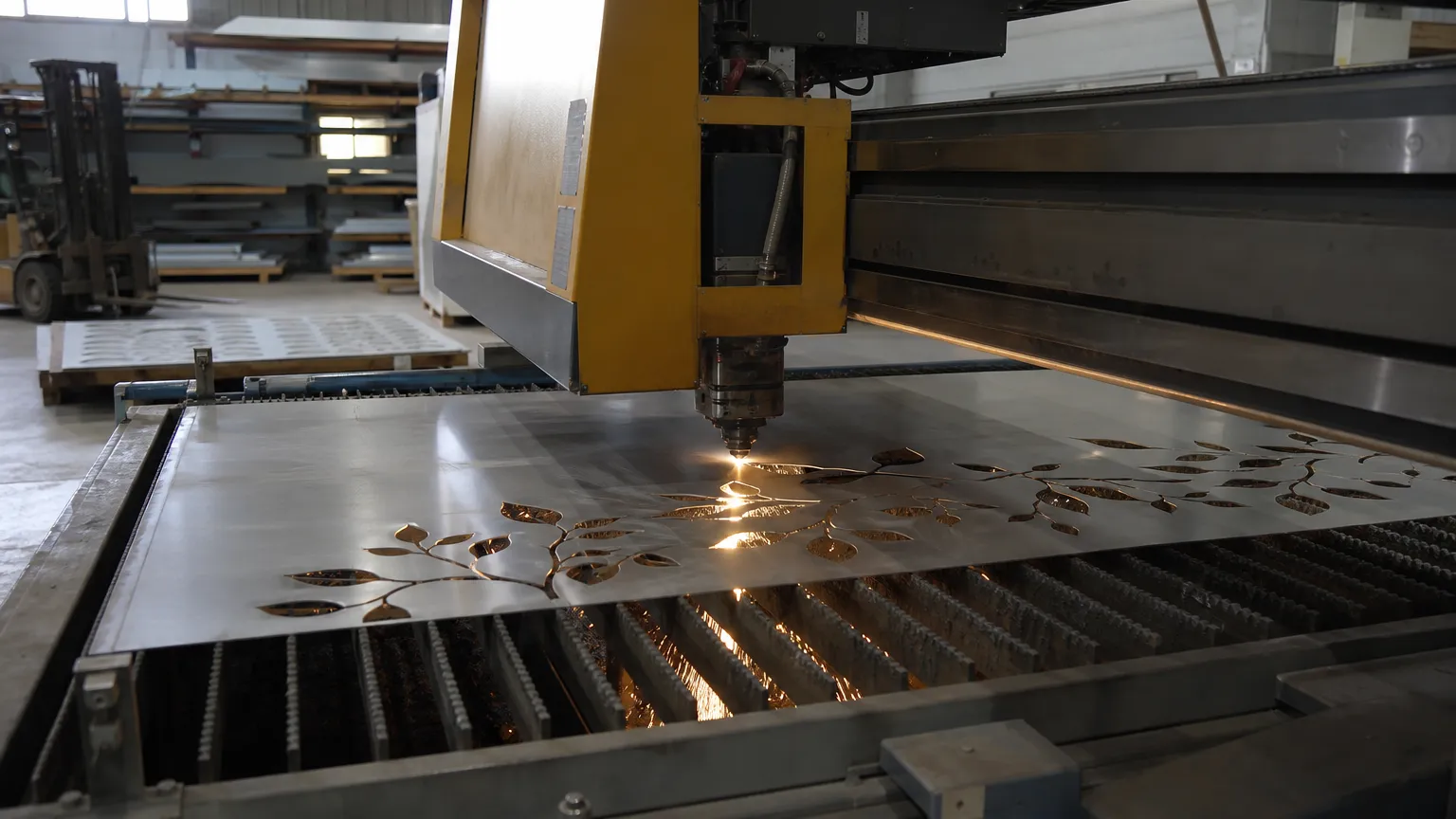
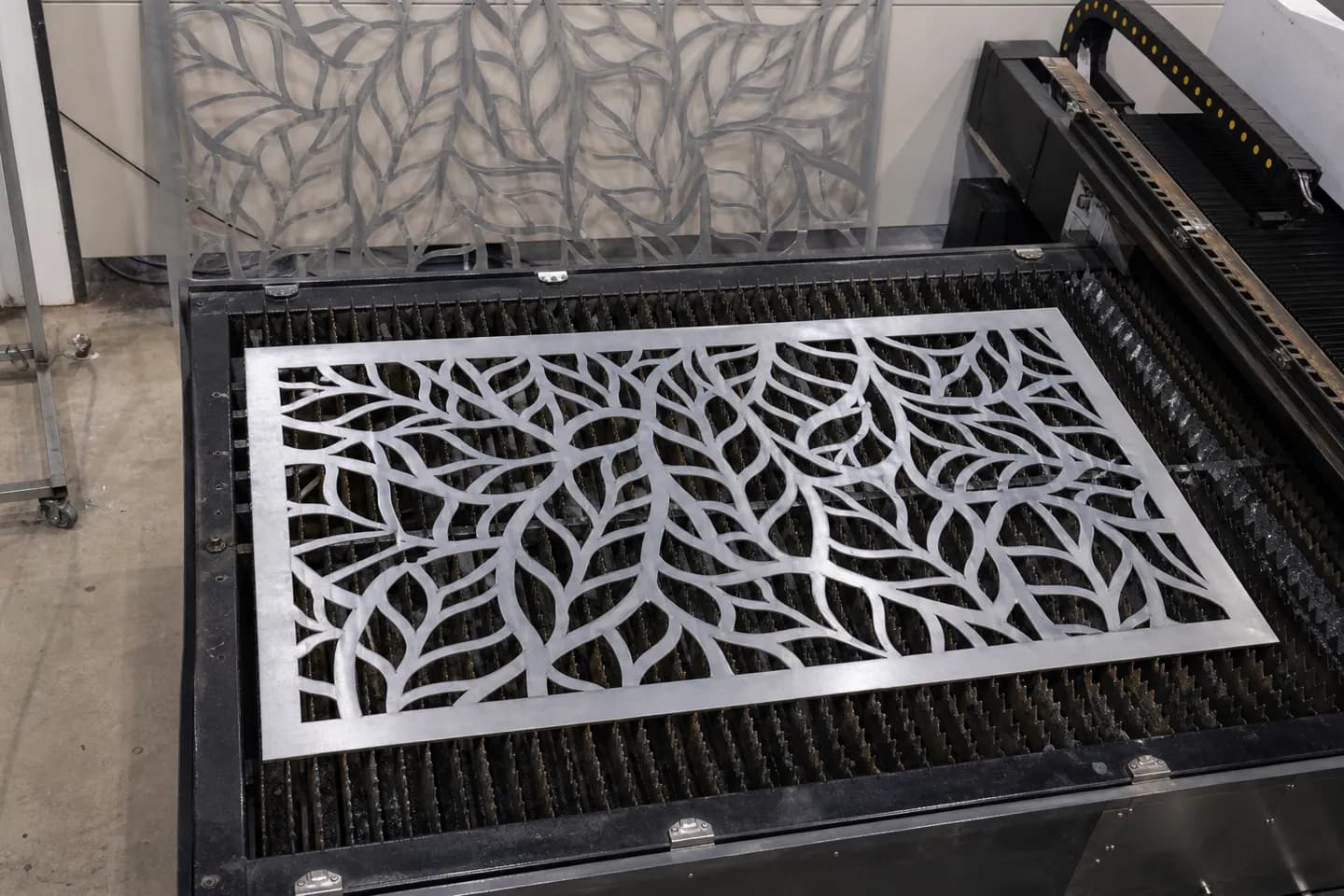
A DXF is mostly lines, arcs and circles on a flat sheet. It can hold 3D data, but the cutting world uses it as 2D. That is why laser, plasma, waterjet and router shops ask for it. Their software reads the outline and turns it into a cutting path.
What a cutting shop wants in a DXF:
- Drawn at full size (1:1), in millimetres.
- Closed outlines, with no gaps or double lines.
- One part, or one sheet of parts, per file.
- No dimensions, title block, hatching or notes on the cut layer.
What is a DWG file?
DWG is the file AutoCAD saves by default. It holds 2D drawings and 3D models, along with layers, blocks, text styles and all of AutoCAD's settings. Architects, engineers, builders and drafters pass drawings around as DWG.
It is a closed format. Autodesk does not publish how it works. Other programs read it through code that was worked out from the outside, mostly by the Open Design Alliance. Most CAD programs open a DWG fine. Some lose a bit of detail on the way.
For a fabricator, DWG usually turns up in one place: the builder's drafter sends you the site plan as a DWG and wants your shop drawing back the same way. If you do not run AutoCAD, ask if a PDF or DXF will do. It often will.
What is a STEP file?
A STEP file (.step or .stp) is a 3D solid model. It is an open ISO standard, ISO 10303, made so 3D models can move between different CAD programs without losing their shape.
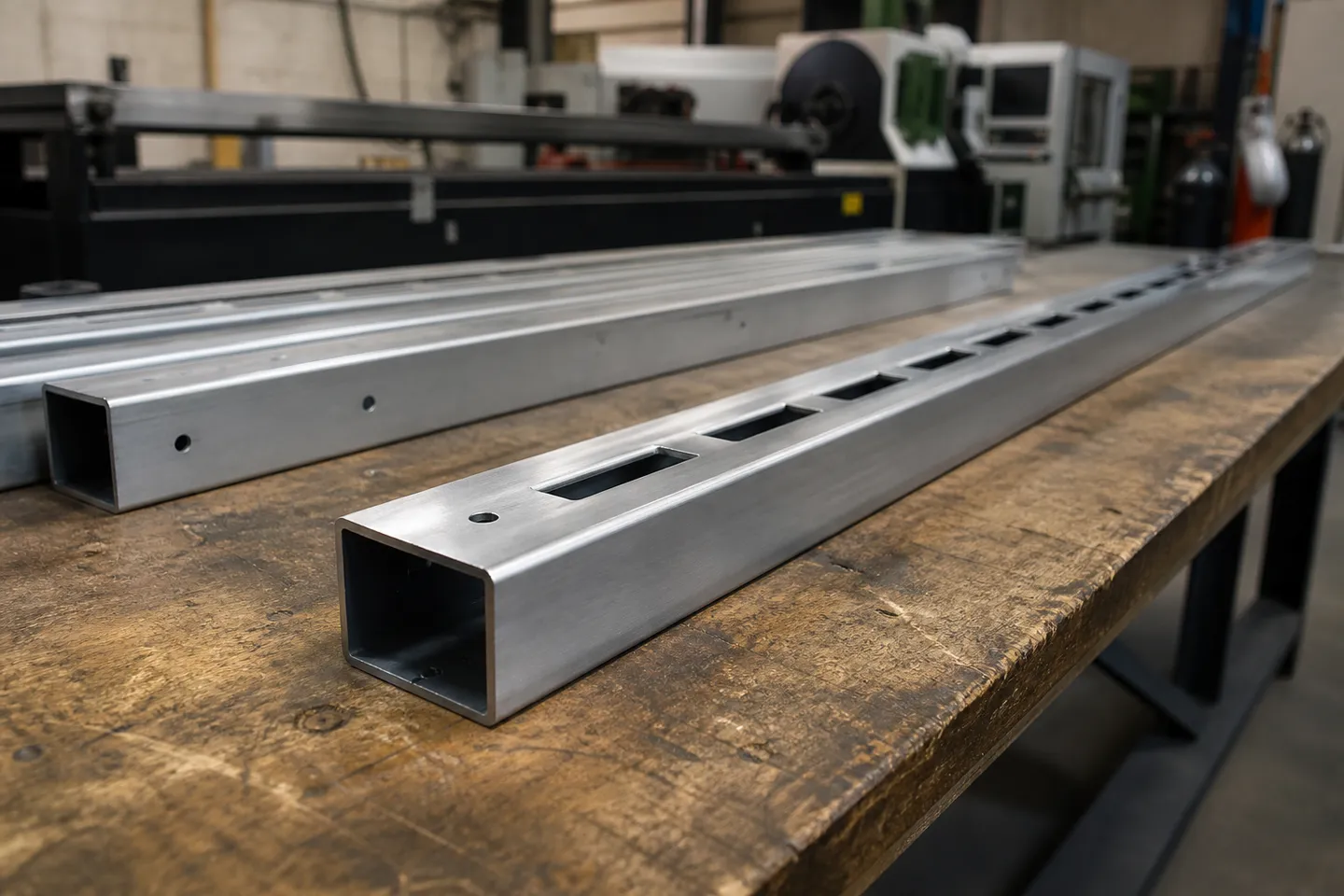
Unlike a DXF, a STEP knows the part is solid. It knows the wall thickness of the tube, the depth of a hole and where one part sits against another. Fusion 360, SolidWorks, Inventor, Onshape and FreeCAD all open it.
Who asks for STEP:
- CNC machining shops, to program toolpaths.
- Tube laser shops, to cut holes and notches in RHS, SHS and round tube.
- Anyone fitting your gate or screen into a bigger 3D model.
A flatbed laser cannot use a STEP straight away. Someone has to take a flat face off the model and save it as a DXF first. Most 3D CAD programs do that in a few clicks.
Where do PDF and SVG fit in?
PDF is the drawing for people. It opens on any phone or computer and prints the same everywhere. It is what your customer signs off, what the builder files and what the welder pins to the bench. A machine cannot cut from it.
SVG is a 2D vector picture made for the web. It stays sharp at any zoom and opens in a web browser. It is handy for dropping a drawing into a quote or a web page. Some laser engravers and hobby cutters take SVG, but most metal cutting shops still want DXF.
A good drawing pack has a mix. PDF for the people, plus the right machine file for whoever is cutting. Our guide to how to draw a fabrication drawing covers what goes on the PDF itself.
How do DXF, DWG and STEP compare side by side?
| Format | 2D or 3D | Open or closed | Who asks for it | Best for |
|---|---|---|---|---|
| DXF | Mostly 2D | Published by Autodesk | Laser, plasma, waterjet and router shops | Cutting flat parts |
| DWG | 2D and 3D | Closed (AutoCAD's own) | Drafters, builders, architects, engineers | Swapping drawings with AutoCAD users |
| STEP | 3D solid | Open (ISO 10303) | CNC, tube laser, 3D CAD users | Machining and 3D models |
| 2D page | Open (ISO 32000) | Customers, builders, the workshop | Reading, printing and sign-off | |
| SVG | 2D vector | Open (W3C) | Web pages, quotes, some engravers | Sharp drawings on screen |
Which file should you send?
Go by who is on the other end:
- Laser or plasma cutting a flat part: DXF, full size, in mm.
- Tube laser cutting holes in tube: STEP.
- CNC machining a part: STEP, plus a PDF for the tolerances.
- A builder's drafter or engineer: DWG if they ask for it, otherwise PDF.
- Your customer: PDF. They want to see it, not edit it.
- Your own workshop: PDF with the cut list. Paper on the bench is still hard to beat.
If you only have one file and need another, convert it. A STEP opens in a 3D program and a flat face saves out as a DXF. A DWG saves out as a DXF from most CAD programs. Going the other way, from a flat DXF up to a 3D STEP, means drawing the part again.
What files does CAD60 give you?
CAD60 draws the gates, fences, balustrades and screens in its catalogue. Drawings in 60 seconds. For your own sizes on the Fabricator plan you get:
- A PDF drawing pack, with every view, every size and a cutting list.
- A STEP file of the 3D model, for CAD, CNC or a tube laser.
- A DXF cut file on models with a decorative laser-cut sheet. It holds the sheet outline and its cut-outs at full size, in mm, ready for the laser shop.
CAD60 does not export DWG, and the DXF covers the cut sheet only, not the whole drawing. It is not general CAD either. It only draws the models in its catalogue. Plans and what each one includes are on the pricing page.
If you are weighing up other drawing tools, see AutoCAD alternatives for fabricators and how to make fabrication drawings without CAD.
Common questions
Can a laser cutter use a DWG file?
Some shops accept DWG, but most prefer DXF. A DXF opens in more cutting programs and carries less AutoCAD extra baggage. Save the DWG as a DXF if you can.
Can you convert a STEP file to a DXF?
Yes. Open the STEP in a 3D program such as Fusion 360 or FreeCAD, pick the flat face or make a flat drawing view, and export that as a DXF at full size.
Is DXF a 2D or 3D format?
It can hold both, but fabricators use it as 2D. Cutting shops expect flat outlines at full size, so strip out any 3D data before you send it.
Is a STP file the same as a STEP file?
Yes. .stp and .step are two file endings for the same ISO 10303 format. Any program that opens one opens the other.
Can I cut parts from a PDF drawing?
Not directly. A PDF is a picture of the drawing for people to read. Some programs can pull lines out of a vector PDF, but the scale and outlines need checking. Ask for a DXF instead.
Why is DXF still used if it is so old?
Because almost every CAD and cutting program reads it. Cutting machines and their software last for years, and DXF works with old and new ones alike.
Written by Harry Tolley
Harry builds CAD60 with his dad, who has run a fabrication business for 20 years. We write these guides from what goes wrong in a real shop.