On this page
- Why do fabricators look for an AutoCAD alternative?
- Which AutoCAD alternatives are worth a look?
- What are the closest drop-in replacements for AutoCAD?
- Is there a free AutoCAD alternative?
- Which tools are built for welded frames?
- What about software just for gates, fences and balustrades?
- How do you pick the right one for your shop?
- Common questions
AutoCAD is the name everyone knows. Plenty of fabricators have used it for years, and plenty more have looked at the price and the learning curve and wondered what else is out there. There is a lot. Some tools are near copies of AutoCAD for less money. Some are 3D programs with proper tools for welded frames. Some only do one kind of product, but do it fast.
This guide sorts them into those groups so you can see which one fits your shop. Every product was checked on its maker's own site in October 2026. Prices are only given where the vendor publishes them.
What you need to know
- AutoCAD LT is the cheaper 2D version of AutoCAD from Autodesk itself.
- BricsCAD, DraftSight and ZWCAD work with DWG files and feel familiar to AutoCAD users.
- FreeCAD is free and open source, with a steeper learning curve.
- SOLIDWORKS weldments and Inventor Frame Generator are built for welded frames.
- For repeat gates, fences and balustrades, a configurator like CAD60 skips the drafting.
Why do fabricators look for an AutoCAD alternative?
It usually comes down to one of three things.
- Cost. Full AutoCAD on Autodesk's Australian site starts at A$254 a month, or A$3,040 a year, at the time of writing (October 2026). That is a lot for a two-person shop that draws a few jobs a week.
- Time per drawing. AutoCAD is mostly used as a 2D drafting tool. You draw each view, each line and each dimension yourself. Change the width and you redraw.
- Missing shop tools. No automatic cut list from your frame, no sheet metal unfold in the 2D version. Fabricators often want those.
So the right alternative depends on which of those hurts most. A cheaper 2D tool fixes cost. A 3D tool with frame features fixes time and cut lists.
Which AutoCAD alternatives are worth a look?
Here is the short list, grouped by what they are. "Windows" means the vendor lists a Windows desktop app. A blank means the vendor page did not say.
| Tool | What it is | Runs on | Licence | Good for |
|---|---|---|---|---|
| AutoCAD LT | 2D DWG drafting (Autodesk) | Desktop, web, mobile | Subscription, from A$66 a month | Shops that want AutoCAD for less |
| BricsCAD | DWG-based 2D and 3D (Octave) | Windows, Mac, Linux | Subscription or perpetual | AutoCAD feel, plus sheet metal in Mechanical |
| DraftSight | 2D DWG drafting (Dassault Systèmes) | Named user, network or perpetual | Low-cost 2D | |
| ZWCAD | 2D drafting, DWG and DXF | Perpetual | Buy once and own it | |
| FreeCAD | Open source parametric 3D | Windows, Mac, Linux | Free | Zero budget, time to learn |
| SOLIDWORKS | Parametric 3D with weldments | Windows | Ask the vendor | Welded frames with cut lists |
| Autodesk Inventor | Parametric 3D with Frame Generator | Windows | Subscription | Frames, sheet metal, tube and pipe |
| CAD60 | Configurator for gates, fences and balustrades | Web browser | Free plan, paid plan | Repeat products, drawn in 60 seconds |
AutoCAD LT has a 15-day trial. BricsCAD, DraftSight (Premium) and ZWCAD each list a 30-day trial. Try two before you pay for one.
What are the closest drop-in replacements for AutoCAD?
If you know AutoCAD and just want to pay less, these work with DWG files and feel familiar.
- AutoCAD LT. Autodesk's own 2D version. Same DWG files, no 3D modelling. Autodesk lists AutoLISP support in LT now, which helps if you have old routines.
- BricsCAD. Bricsys, now part of Octave. Lite is 2D only, Pro adds 3D, and the Mechanical toolset adds sheet metal unfolding, assemblies and bills of materials. It is the only paid tool here that lists Linux.
- DraftSight. From Dassault Systèmes, who also make SOLIDWORKS. Professional is the core 2D product. Premium adds STEP import and a sheet set manager. Enterprise adds a mechanical toolbox.
- ZWCAD. 2D drafting with DWG, DXF and DWT support, sold as a perpetual licence. The vendor says price varies by country.
All four still leave you drawing every line by hand, just for less money. If that is the part you want to fix, keep reading.
Is there a free AutoCAD alternative?
FreeCAD is the main one. It is open source, has no licence fees and runs on Windows, Mac and Linux. It is a parametric 3D modeller, and its site says it can pull production drawings from your 3D models. It also has CAM tools.
The cost is time. FreeCAD works through separate "workbenches" for different jobs, and it takes a while to learn which one does what. Budget for that.
Autodesk Fusion has a free personal-use version, but Autodesk limits it to non-commercial projects. It is not an option for paid shop work. See Fusion 360 vs SketchUp for fabrication for the details, and free gate drawing software for more no-cost options.
Which tools are built for welded frames?
This is where 3D CAD earns its keep for a fabricator. Draw a skeleton of lines, pick a tube size, and the program builds the frame and the cut list for you.
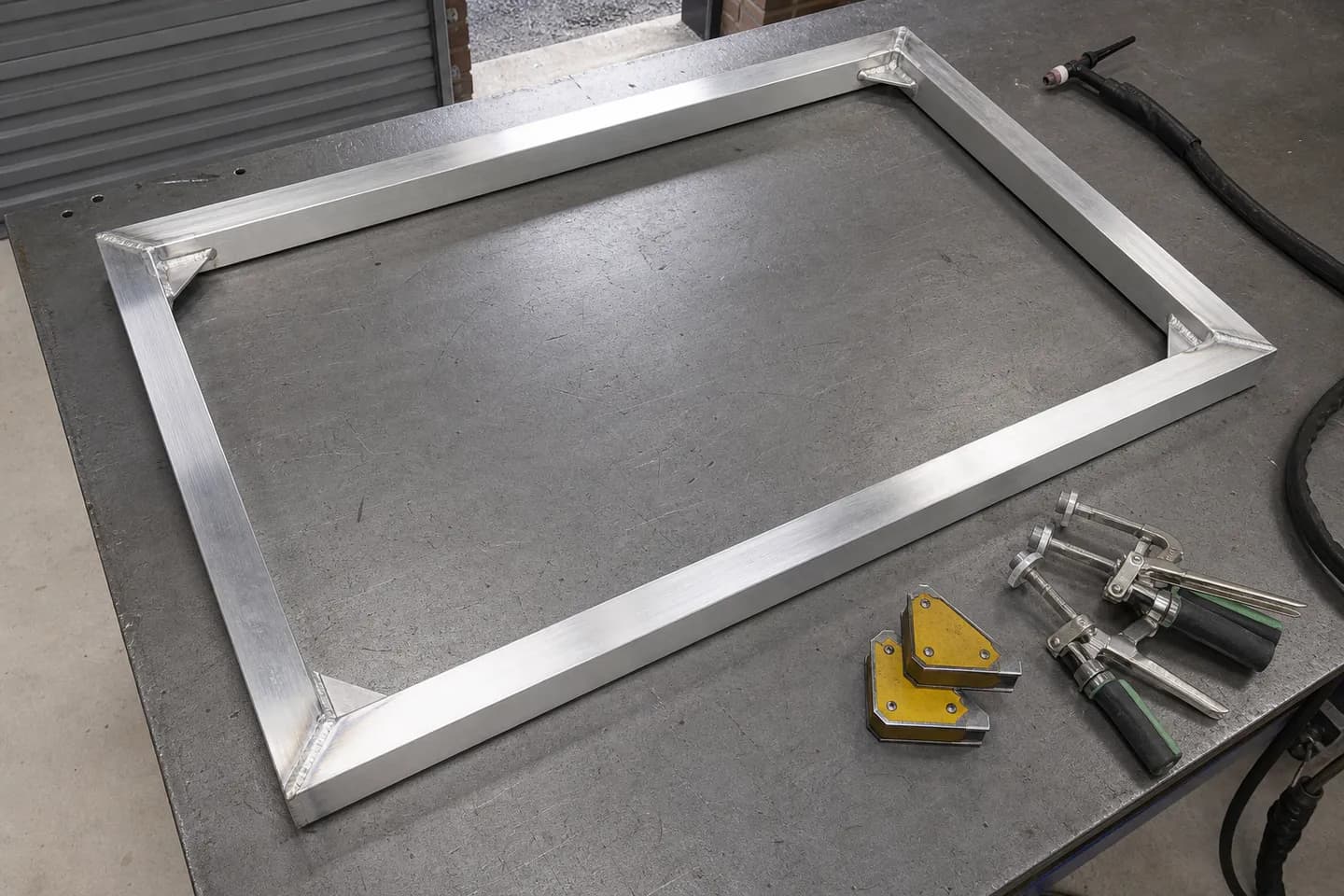
- SOLIDWORKS weldments. Its help pages describe structural members built from 2D and 3D sketches, trim and extend so members butt up properly, gussets, end caps, weld beads and a weldment cut list table. The desktop app runs on Windows. Pricing goes through the vendor.
- Autodesk Inventor Frame Generator. Frame members come from the Content Center and sit on a skeleton. Mitres and cuts join them, and Inventor keeps a parts list up to date. Inventor also has sheet metal and tube and pipe tools.
- BricsCAD Mechanical. Not a frame tool as such, but it does sheet metal unfolding and associative bills of materials inside a DWG program.
What about software just for gates, fences and balustrades?
If most of your work is the same products in new sizes, general CAD is a lot of tool for the job. A configurator skips the drafting. You pick the product, type the sizes and it draws the set.
CAD60 is one of these. It covers gates, fences, pool fences, screens and balustrades. You get every view, every size, a cutting list and a 3D model in 60 seconds, with your logo on the title block on the paid plan. It exports a PDF drawing pack and a STEP file you can open in SOLIDWORKS, Inventor, Fusion or FreeCAD. Its decorative sheet models also give you a DXF cut file for the sheet.
Be clear on the limits before you switch:
- It only draws the models in its catalogue. It is not general CAD.
- It does not export DWG, and DXF is only the sheet cut file on decorative sheet models. AutoCAD users who swap DWG files should know that.
- For an odd one-off job, you still need a CAD program.
How do you pick the right one for your shop?
Match the tool to the problem you are trying to fix.
| If your main problem is | Look at |
|---|---|
| AutoCAD costs too much, but you like how it works | AutoCAD LT, BricsCAD, DraftSight, ZWCAD |
| You have no budget at all | FreeCAD |
| You want cut lists from welded frames | SOLIDWORKS weldments, Inventor Frame Generator |
| You fold and cut a lot of plate | Inventor, BricsCAD Mechanical, Autodesk Fusion |
| You redraw the same gates and fences at new sizes | A configurator such as CAD60 |
Also think about who you share files with. If your builders, engineers or customers send DWG, a DWG tool keeps things simple. For bigger structural jobs, see shop drawing software for fabricators.
Common questions
What is the cheapest version of AutoCAD?
AutoCAD LT. On Autodesk's Australian site it starts at A$66 a month at the time of writing (October 2026). It does 2D drafting with DWG files but no 3D modelling.
Can BricsCAD open AutoCAD files?
Yes. Bricsys describes BricsCAD as DWG-based CAD software, so it opens and saves the same DWG files AutoCAD uses. It runs on Windows, Mac and Linux.
Is DraftSight still free?
The DraftSight site lists paid editions (Professional, Premium and Enterprise) and a 30-day trial of Premium. It did not show a free edition when we checked in October 2026.
Is FreeCAD good enough for fabrication drawings?
It can do the job. FreeCAD makes 3D parametric models and production drawings from them, for free. It takes longer to learn than paid tools, so plan for some practice time.
What is a weldment in SOLIDWORKS?
A weldment is a part built from structural members laid along sketch lines, with trims, gussets, end caps and weld beads. SOLIDWORKS can list every member in a cut list table on the drawing.
Does CAD60 replace AutoCAD?
Only for the products in its catalogue: gates, fences, pool fences, screens and balustrades. It is not general CAD and does not export DWG, so keep a CAD tool for other work and for files your builders send you.
Written by Harry Tolley
Harry builds CAD60 with his dad, who has run a fabrication business for 20 years. We write these guides from what goes wrong in a real shop.