On this page
Free is a great price until you read the terms. A lot of the "free CAD" people recommend for gates is free for hobby use only. If you run a fab shop and quote paying jobs off it, you are outside the licence.
This guide sorts the free options into the ones you can use for business and the ones you cannot. Every claim was checked on the vendor's own website in October 2026. CAD60's free plan is in here too, with exactly what it does and does not give you.
What you need to know
- FreeCAD (3D) and LibreCAD (2D) are open source with no licence fee, so you can use them for paid work.
- SketchUp Free, the Onshape free plan and Fusion for personal use are free, but not for commercial use.
- Free CAD costs time instead of money: you draw every tube, gap and dimension yourself.
- CAD60's free plan lets you configure any model and see a watermarked preview of your own sizes.
- Clean CAD60 downloads of your own sizes are on the paid plan, which has a 7-day free trial.
Which free gate drawing software can you use for paid jobs?
Two well known ones: FreeCAD and LibreCAD. Both are open source. FreeCAD's site says it has no licensing fees and no paywall. LibreCAD says it has no fees or subscriptions and is licensed under the GPLv2.
The other big names have a free version, but each one rules out business use:
- SketchUp Free: the SketchUp help centre says plainly it is not for commercial use.
- Onshape Free: for non-commercial use only, and every document you make is public.
- Autodesk Fusion for personal use: for personal, non-commercial projects, limited to people earning under US$1,000 a year. Not for company use.
They are fine for learning, or for your own back gate at home. For a customer's job, you need a paid plan or a different tool.
How do the free gate drawing options compare?
Checked on each vendor's own site in October 2026.
| Tool | Free for business? | 2D or 3D | Runs on | The catch |
|---|---|---|---|---|
| FreeCAD | Yes, open source | 3D parametric, with 2D drawings | Windows, Mac, Linux | Steep learning curve |
| LibreCAD | Yes, open source (GPLv2) | 2D only | Windows, Mac, Linux | You draw every line and dimension |
| SketchUp Free | No | 3D | Web browser | Not for commercial use; no LayOut for 2D sheets |
| Onshape Free | No | 3D parametric | Browser, iOS, Android | Non-commercial; documents are public |
| Fusion for personal use | No | 3D | Downloaded app | Home projects only; limited drawings and file types |
| CAD60 (free plan) | You can try it, but output of your own sizes is watermarked | 3D model with 2D drawing set | Browser | Catalogue models only; clean downloads are paid |
Is FreeCAD good for drawing gates?
It can do the job. FreeCAD is a parametric 3D modeller, which means you can drive a model from numbers. Set up a gate once with the width as a value, and a new width updates the model. Its site says it can make 2D drawings and views from your 3D models, and it reads and writes STEP, DXF and SVG among others.
The honest downside is the learning. Expect to spend real time on:
- Sketches and constraints for every profile.
- Laying out battens or slats with even gaps.
- Setting up drawing sheets, a title block and dimensions.
If you enjoy that kind of thing, FreeCAD will repay the effort. If you want a drawing by Friday, it probably will not.
What about LibreCAD for a 2D gate drawing?
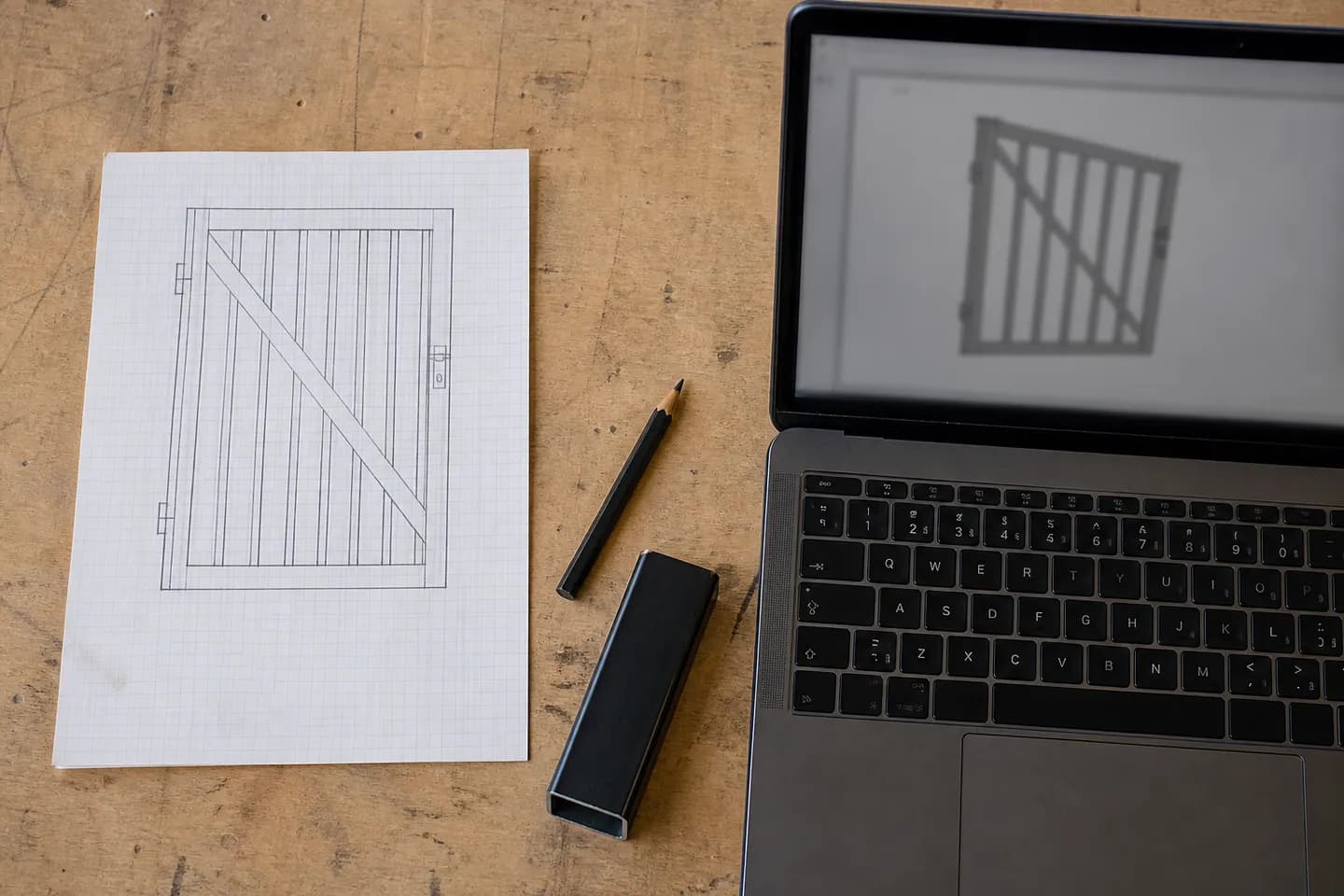
LibreCAD is a 2D CAD program. Think of it as a drawing board on a screen. You draw the front view and side view line by line, add dimensions, and print. Its project page says it reads and writes DXF, and DWG when built with DWG support.
For a simple pedestrian gate, 2D is often enough. The welder needs the elevation, the sizes and the tube sections. What you do not get is a 3D model, so the views will not check each other. If the side view says 1800 and the front says 1810, nothing warns you.
LibreCAD is also the easier of the two free business options to learn. The tools look like drafting tools: lines, arcs, offsets, dimensions. If you ever drew on a board at school or tech, it will feel familiar.
For what the sheet should hold, see what to include on a gate fabrication drawing.
What do you get free with CAD60?
CAD60 is not free CAD. It draws the gates, fences, screens and balustrades in its catalogue from your sizes. Drawings in 60 seconds. Its free plan, called Explorer, needs no credit card and gives you:
- Every model in the catalogue, with the full form and a 3D preview.
- A watermarked preview of the drawing at your own sizes.
- One clean example PDF per model at fixed sizes, after you sign in with Google, so you can see the real output.
- One saved drawing.
What it does not give you is a clean drawing of your own sizes. That needs the paid Fabricator plan, which adds clean PDFs, STEP files and your logo in the title block. The paid plan has a 7-day free trial. Prices are on the pricing page.
Which free option should you start with?
- Want a free tool for paid work and willing to learn? FreeCAD for 3D, LibreCAD for 2D.
- Just learning CAD at home? SketchUp Free, Onshape Free or Fusion for personal use are all fine for that.
- Drawing the same gate types over and over? Try CAD60's free plan to see if your gates are in the catalogue and the output suits you.
When you outgrow free, the paid options are compared in gate design software for fabricators.
Common questions
Is FreeCAD really free for commercial use?
FreeCAD is open source with no licence fees and no paywall, according to its own site, and it says the files you make with it are truly yours. That makes it the strongest free 3D option for a business.
Can I use SketchUp Free for my fabrication business?
No. SketchUp's help centre says SketchUp Free is not for commercial use. For paid work you need a paid plan. SketchUp Pro also adds LayOut for 2D sheets.
What is the easiest free gate drawing software?
For a beginner, SketchUp Free is the easiest to pick up, but it is non-commercial. For business use, LibreCAD is simpler than FreeCAD because it is 2D only. CAD60 needs no CAD skill at all, but its free plan is preview only.
Can free CAD make a cutting list for a gate?
Not by default. In FreeCAD or LibreCAD you work out the lengths and type the list yourself. CAD60 makes the cutting list from your sizes, on the paid plan for clean downloads.
Does CAD60 have a free trial?
Yes. The free Explorer plan never expires and shows watermarked previews. The paid Fabricator plan has a 7-day free trial with clean downloads, and you can cancel inside the seven days without paying.
Is Onshape free for small businesses?
No. The Onshape free plan is for non-commercial use only and every document is public. Its commercial plans are paid. It does have a no-cost program for qualifying startups.
Written by Harry Tolley
Harry builds CAD60 with his dad, who has run a fabrication business for 20 years. We write these guides from what goes wrong in a real shop.