On this page
- What is the main difference between Fusion and SketchUp?
- How do Fusion and SketchUp compare side by side?
- Why does parametric modelling matter for gates and frames?
- Which makes better fabrication drawings?
- What about sheet metal and CAM?
- What are the licence rules and personal use limits?
- How do you choose between Fusion and SketchUp?
- Common questions
Fusion 360 and SketchUp come up in every "what should I draw in" thread. They look alike at first: both make 3D models, both can end in a drawing. They work in very different ways, though, and that matters a lot once you start making gates, frames and brackets for a living.
A note on names. Autodesk now calls the product Autodesk Fusion. Most people still say Fusion 360, and the web address still uses it. Same software. Everything below was checked on Autodesk's and Trimble's own sites in October 2026.
What you need to know
- Fusion is parametric: change a number and the model updates. SketchUp is push and pull.
- Fusion makes drawings, sheet metal flat patterns and CAM in one program.
- SketchUp is quicker to learn and great for showing customers a design.
- Both free versions are for non-commercial use only. A shop needs a paid plan.
- Neither knows what a gate is. You model each job yourself.
What is the main difference between Fusion and SketchUp?
The way you build the model. In Fusion you sketch a shape with sizes, then turn it into a solid with features like extrude, fillet or shell. Each step is saved on a timeline. Go back, change the sketch from 1,000 mm to 1,200 mm, and the steps after it run again.
In SketchUp you draw edges and faces, then push and pull them into shape. It feels more like working with your hands. It is fast for blocking out an idea. But the model does not remember how you made it, so a change in size means editing the geometry itself.
Fusion can work both ways. Autodesk's help pages describe a parametric mode, where work is saved to the timeline, and a direct mode, where it is not. You can pick per design.
How do Fusion and SketchUp compare side by side?
Here is the short version from each vendor's site. Prices are at the time of writing (October 2026). Autodesk shows Australian dollars on its Australian site. Trimble shows SketchUp in US dollars.
| Autodesk Fusion | SketchUp Pro | |
|---|---|---|
| How you model | Parametric timeline, or direct | Push and pull faces |
| 2D drawings | Built in, made from the 3D model | In LayOut, a separate app included with Pro |
| Sheet metal flat patterns | Yes | Not built in |
| CAM (toolpaths for CNC) | Yes | No |
| Runs on | Windows and Mac desktop, cloud storage | Windows and Mac desktop, web, iPad |
| Free version | Personal use only, limited features | SketchUp Free, web only, not for commercial use |
| Paid price | A$985 a year (or A$125 month to month) | US$33.25 a month, billed yearly |
Autodesk also sells Fusion for Manufacturing and Fusion for Design, which add advanced CAM and design tools on top. Most small fab shops would look at plain Fusion first.
Why does parametric modelling matter for gates and frames?
Because customers change sizes. A gate drawn at 3,600 mm becomes 3,850 mm after the site measure. In a parametric model, you change the width and the frame, the battens and the drawing views follow. If you set it up well, that is a few minutes.
In SketchUp, you stretch the frame, move the stiles, re-space the battens and fix the dimensions in LayOut. For one job that is fine. For forty gates a year it starts to hurt.
The flip side is the learning curve. Fusion asks more of you up front: sketches, constraints, components, the timeline. I would expect most people to get a useful SketchUp model sooner than a useful Fusion one.
Which makes better fabrication drawings?
For a shop drawing, Fusion has the edge. Its drawing workspace builds views straight from the 3D model, and Autodesk lists automated drawings as a feature of the paid plan. Change the model and the views update.
SketchUp does drawings in LayOut. LayOut is good: scaled views, dimensions that update with the model, title block templates and PDF, DWG and DXF export. You do more of the setup by hand, view by view.
Either way, the drawing still has to carry the right things: overall and clear opening sizes, frame profiles, infill spacing, hardware and a cut list. The gate fabrication drawing checklist covers what to put on the sheet, whichever program draws it.
What about sheet metal and CAM?
This is where the two split for good. Fusion has sheet metal tools. You can turn a part into sheet metal and unfold it into a flat pattern for the laser or the folder. It also has CAM built in, so the same model can drive a router or a plasma table.
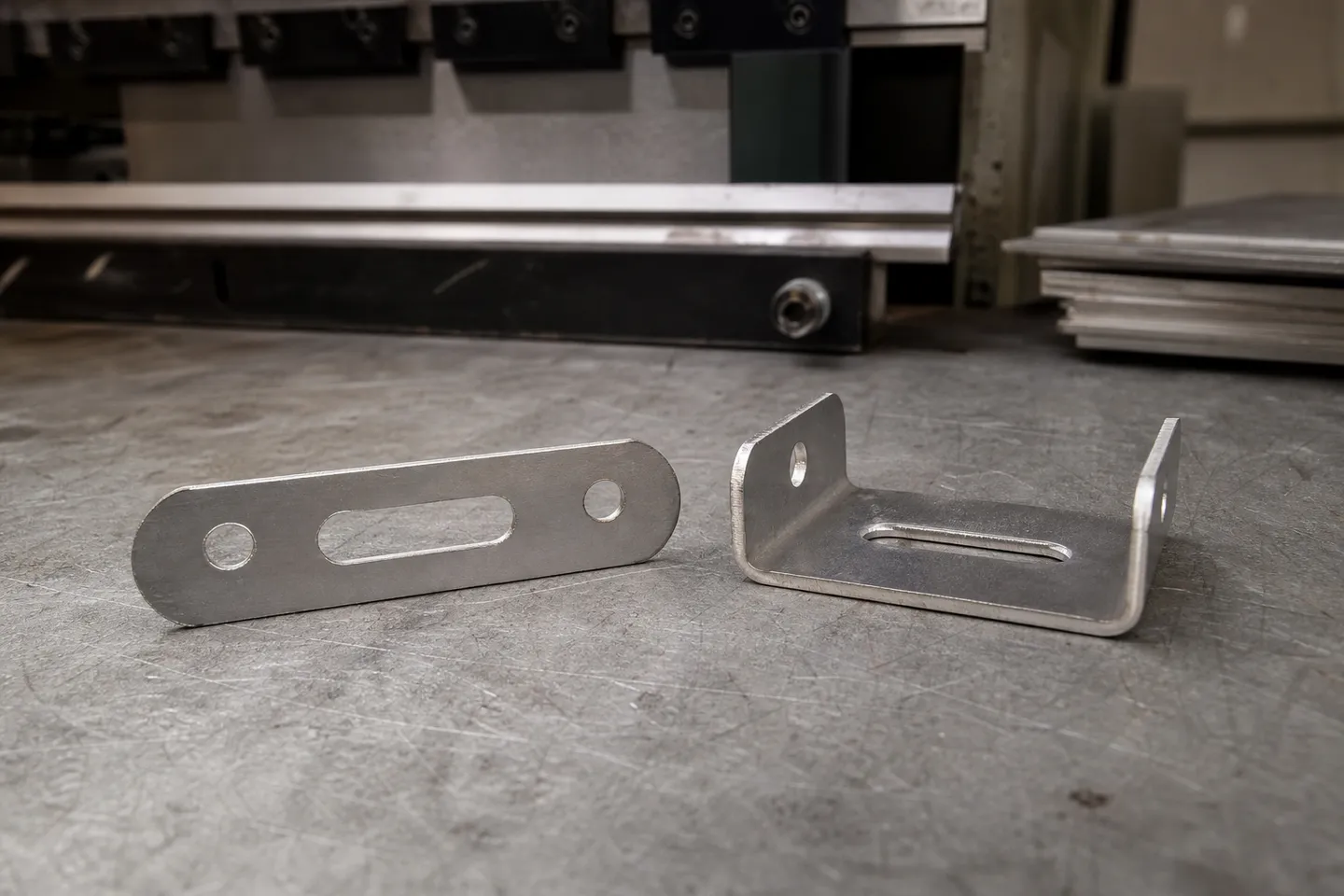
SketchUp has neither built in. You would model the folded part, then work out the flat size yourself or find an extension. If you send a lot of folded plate or cut parts out, Fusion is the better fit.
For straight tube frames, the gap is smaller. Both can model a welded frame. Fusion just makes it easier to change later.
What are the licence rules and personal use limits?
Both free versions have strings attached. Read them before you quote a job with one.
- Fusion for personal use. Autodesk says it is for personal, non-commercial projects only, for individuals making less than US$1,000 a year, and not for use in a company. It has limited CAM, limited 2D drawings and limited import and export file types.
- SketchUp Free. Runs in a browser. SketchUp's help page says it is not for commercial use. It has no LayOut, so no drawing sheets.
So for paid work, compare the paid plans. Autodesk offers a free 30-day trial of the full Fusion. SketchUp Pro includes LayOut and the Extension Warehouse. Our free gate drawing software guide covers what you can do without paying at all.
How do you choose between Fusion and SketchUp?
Ask yourself three things.
- Do sizes change a lot? If every job is the same product at a new size, parametric modelling (Fusion) saves rework.
- Do you cut or fold plate? If yes, Fusion's sheet metal and CAM tools matter. If you only weld tube, they matter less.
- Who looks at the model? If it is mostly customers looking at a design, SketchUp is quicker and friendlier.
There is a third path for shops that make the same kinds of product. CAD60 is a configurator: you pick a gate, fence, screen or balustrade from its catalogue, type your sizes and get the full drawing set in 60 seconds. It does the parametric part for you, and it exports a STEP file you can open in Fusion. The limit is plain: it only draws the models in its catalogue, and it is not general CAD. For a one-off bracket, Fusion or SketchUp is still the tool. More on this in is SketchUp good for metal fabrication.
Common questions
Is Fusion 360 the same as Autodesk Fusion?
Yes. Autodesk now calls Fusion 360 Autodesk Fusion. It is the same product, the web address still says fusion-360, and most people still call it Fusion 360.
Can I use Fusion for personal use on paid fabrication jobs?
No. Autodesk limits it to personal, non-commercial projects for people making under US$1,000 a year, and not in a company. A shop doing paid work needs a paid Fusion plan.
Is Fusion harder to learn than SketchUp?
Usually, yes. Fusion asks you to learn sketches, constraints and the timeline first. SketchUp lets you push and pull shapes straight away. Fusion pays back that time when sizes change.
Do Fusion and SketchUp run on a Mac?
Yes, both have desktop apps for Windows and Mac. SketchUp also runs in a web browser and on iPad on some plans, and Fusion keeps your designs in the cloud.
Which one is better for a laser or plasma cutter?
Fusion. It unfolds sheet metal parts into flat patterns and has CAM built in. SketchUp can export 2D DWG or DXF from LayOut, but it has no flat pattern or toolpath tools of its own.
Can I open a CAD60 drawing in Fusion or SketchUp?
CAD60 exports a STEP file on the Fabricator plan, and Fusion opens STEP files. For SketchUp, check that your plan or an extension imports STEP before you rely on it.
Written by Harry Tolley
Harry builds CAD60 with his dad, who has run a fabrication business for 20 years. We write these guides from what goes wrong in a real shop.