On this page
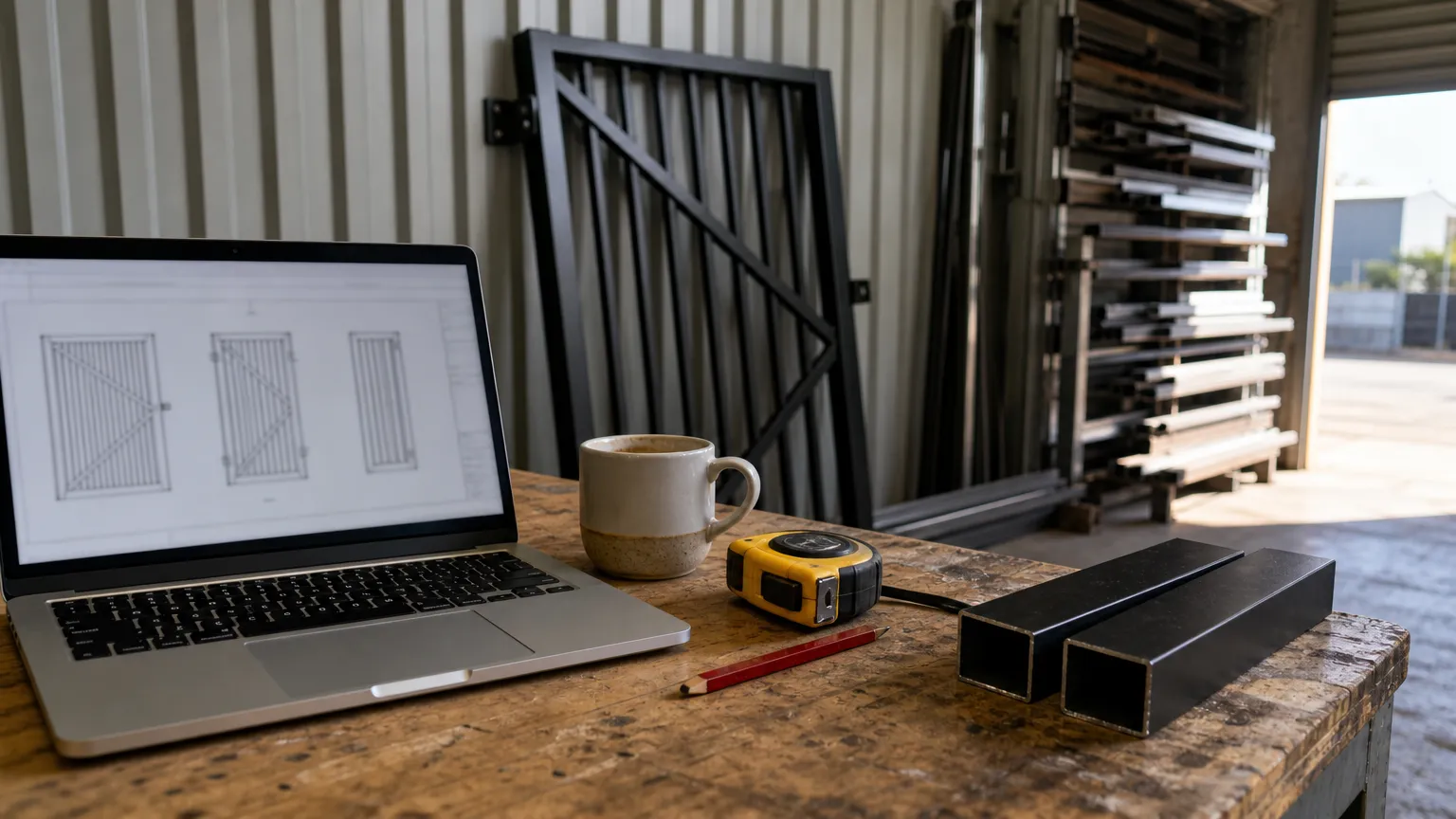
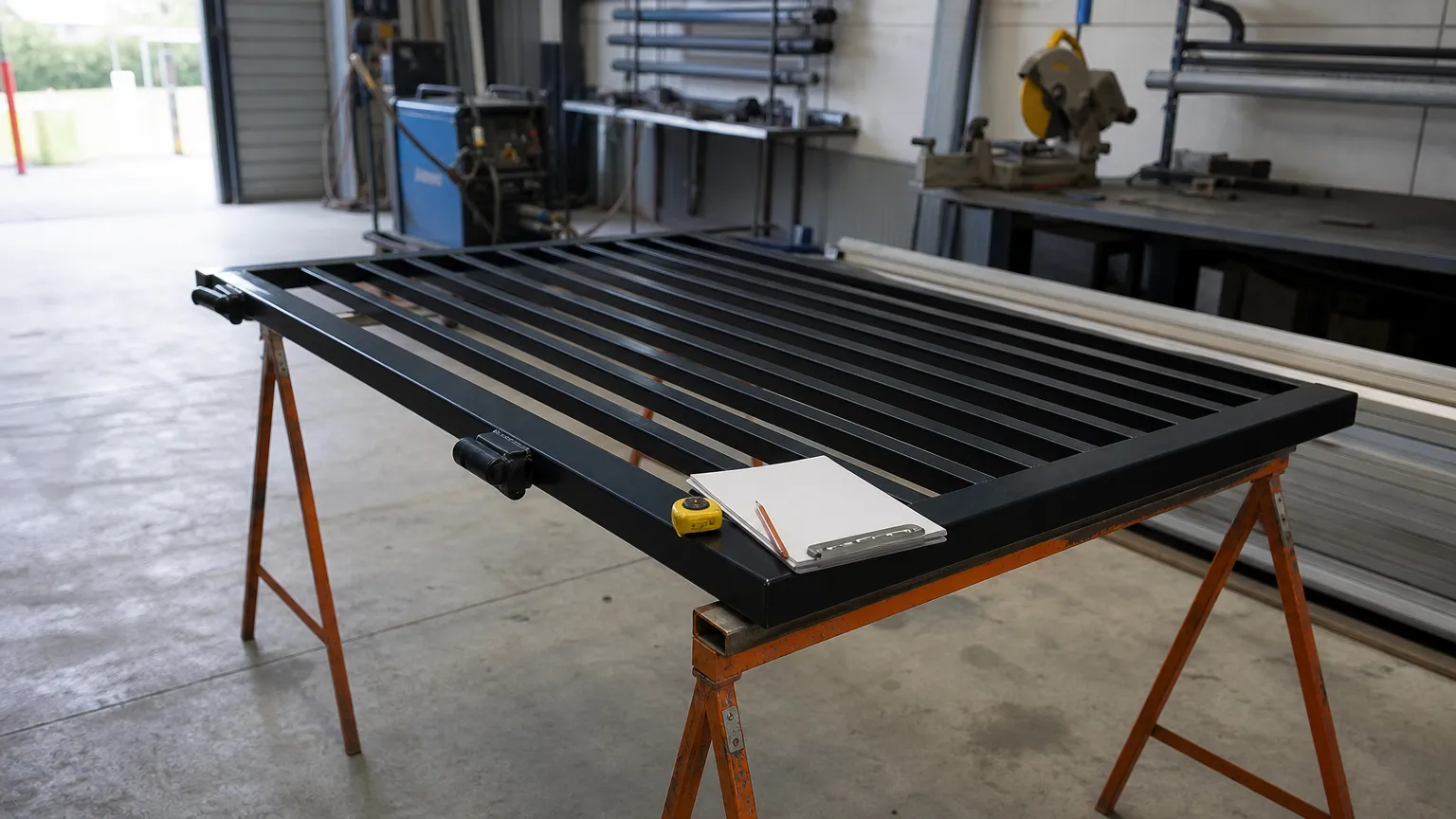
A gate is not a mystery shape. It is a frame, some infill, two hinges and a latch. Change the width and almost everything else follows a rule. That is why a gate can be drawn by a form instead of by a draftsman. You type the sizes, the software knows the rules, and the drawing comes out the other end.
That kind of tool is called a configurator. This guide covers what one is, how it differs from CAD, who offers them and what you should expect to get out. Claims about other companies' tools were checked on their own websites in October 2026.
What you need to know
- A gate configurator is a form: pick a gate type, type sizes and options, and it draws the gate.
- CAD draws any shape but you draw it. A configurator draws only the gates it knows, but draws them for you.
- Most online gate configurators are run by sellers and stop at a picture, a parts list or a quote.
- A fabricator needs a dimensioned drawing set and a cutting list. A picture is not enough.
- CAD60 is a configurator built for fabricators: drawings in 60 seconds, catalogue models only.
What is a gate configurator?
It is a web page with a form. You choose a gate type, like a swing gate or a sliding gate. You type the opening and the height. You pick the infill, the frame tube, the hinges, the colour. The configurator does the rest.
Behind the form sit the rules a gate maker carries in their head. How many battens fit at a 20 mm gap. Where the rails go. How long each stile is. The configurator applies them every time, so the drawing is consistent from job to job.
Some configurators only show a picture. Some give a parts list or a price. A few give a proper drawing. Which one you get depends on who built it and why.
How is a configurator different from CAD?
CAD is a blank page. A configurator is a filled-in template that redraws itself. Here is how that plays out on a normal gate job:
| Gate configurator | General CAD | |
|---|---|---|
| Skill needed | Can you measure an opening? | Weeks to months to learn |
| Shapes it can draw | Only the gate types it has | Anything |
| Customer changes the width | Type the new number | Redraw or edit the model |
| Battens, gaps and lengths | Worked out for you | Worked out by you |
| Best for | The same gate types at new sizes | One-off and ornamental work |
Neither is better. They suit different work. For a longer look at the CAD side, see gate design software for fabricators.
Who offers online gate configurators?
Here are real examples, checked on each company's own site in October 2026. Note who each one is built for.
| Tool | Run by | What you design | What you get out |
|---|---|---|---|
| Gate Configurator | Charged Services, a UK gate automation firm (Essex) | Driveway, pedestrian and garden gates, fences, walls | A 3D or 2D design and a code to reload it, then a quote from them |
| Brundle Design Studio | F.H. Brundle, a UK ironwork supplier | Gates, railings and balustrades from its wrought iron parts | A design to print or email to a customer |
| Liveconfigurator | F.H. Brundle | Glass balustrades and stairways | A free quote pack: parts list, drawings and a 3D model |
| Fence builder | Teamwork Fencing, an Australian online supplier | Fence runs with its panels, posts and gates | A parts list with prices |
| Draw A Fence | A US and Canadian fence drawing service | Fence and gate drawings by fence type | Fence and gate drawings, free trial then paid |
| CAD60 | An Australian fabrication drawing tool | Gates, fences, screens and balustrades in its catalogue | PDF drawing set, cutting list, 3D preview; STEP on the paid plan |
Hardware makers and kit sellers also run sizing tools for their own products. Teamwork Fencing, for example, sells a non-welded aluminium slat gate kit where you pick the width, height, gap and colour. That is a configurator for buying a kit, not for drawing a gate you will weld.
Who are most gate configurators built for?
Mostly buyers. A homeowner picks a style and a colour, sees a picture and asks for a quote. A builder picks a supplier's parts and gets a price. That is useful, and it is how a lot of gate work gets sold.
It is not what a fabricator needs on the bench. A picture will not tell the welder how long the stiles are or where the hinges go, and a quote has no cutting list.
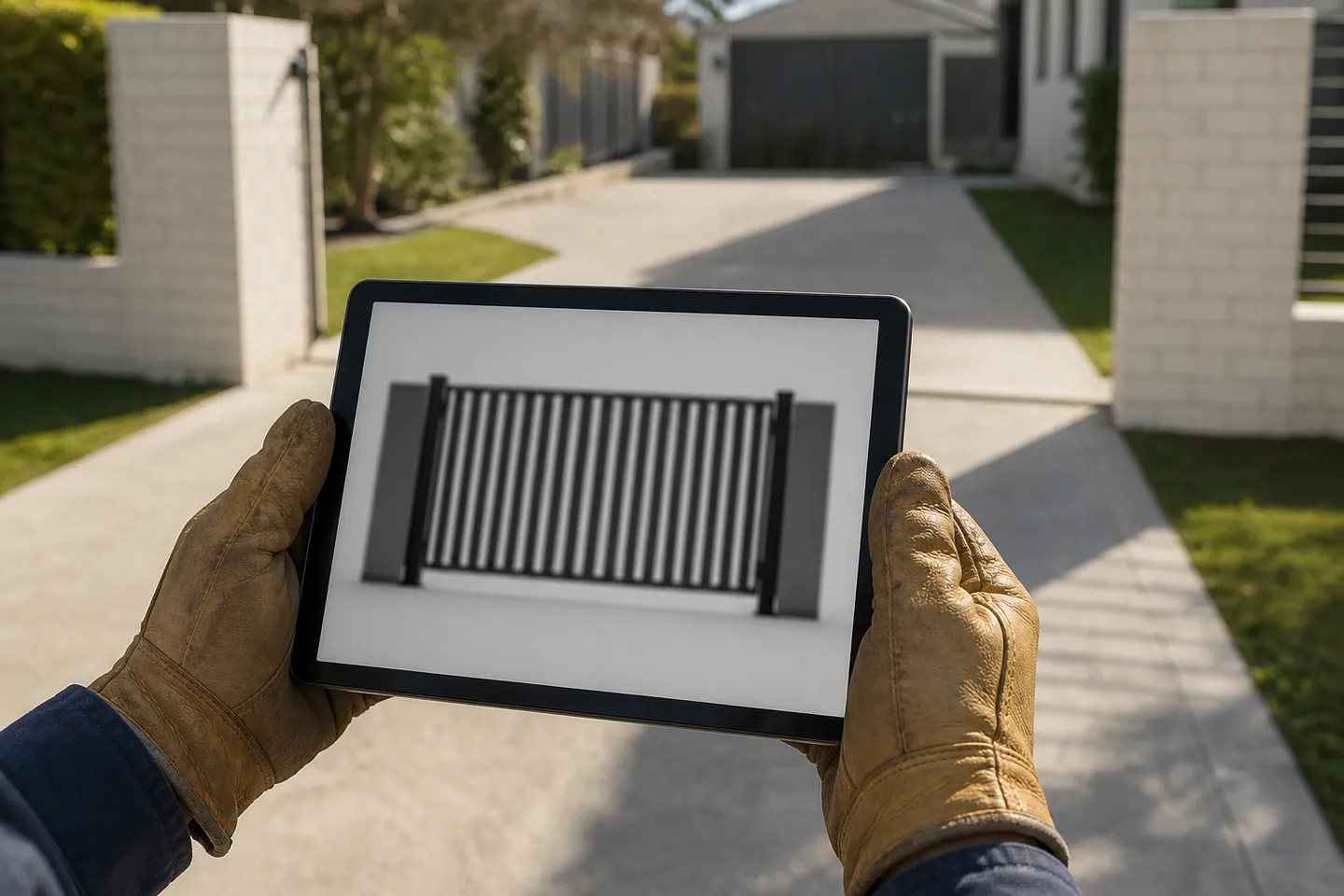
What should a gate drawing configurator give you?
If you make gates, look for a configurator that gives you all of this from one form:
- Front, side and top views with every dimension.
- Tube sections called up by size, and infill spacing.
- Hinge, latch and post positions, with footing details.
- A cutting list.
- A title block with your business on it.
- A file for your own CAD or a machine, like a STEP file.
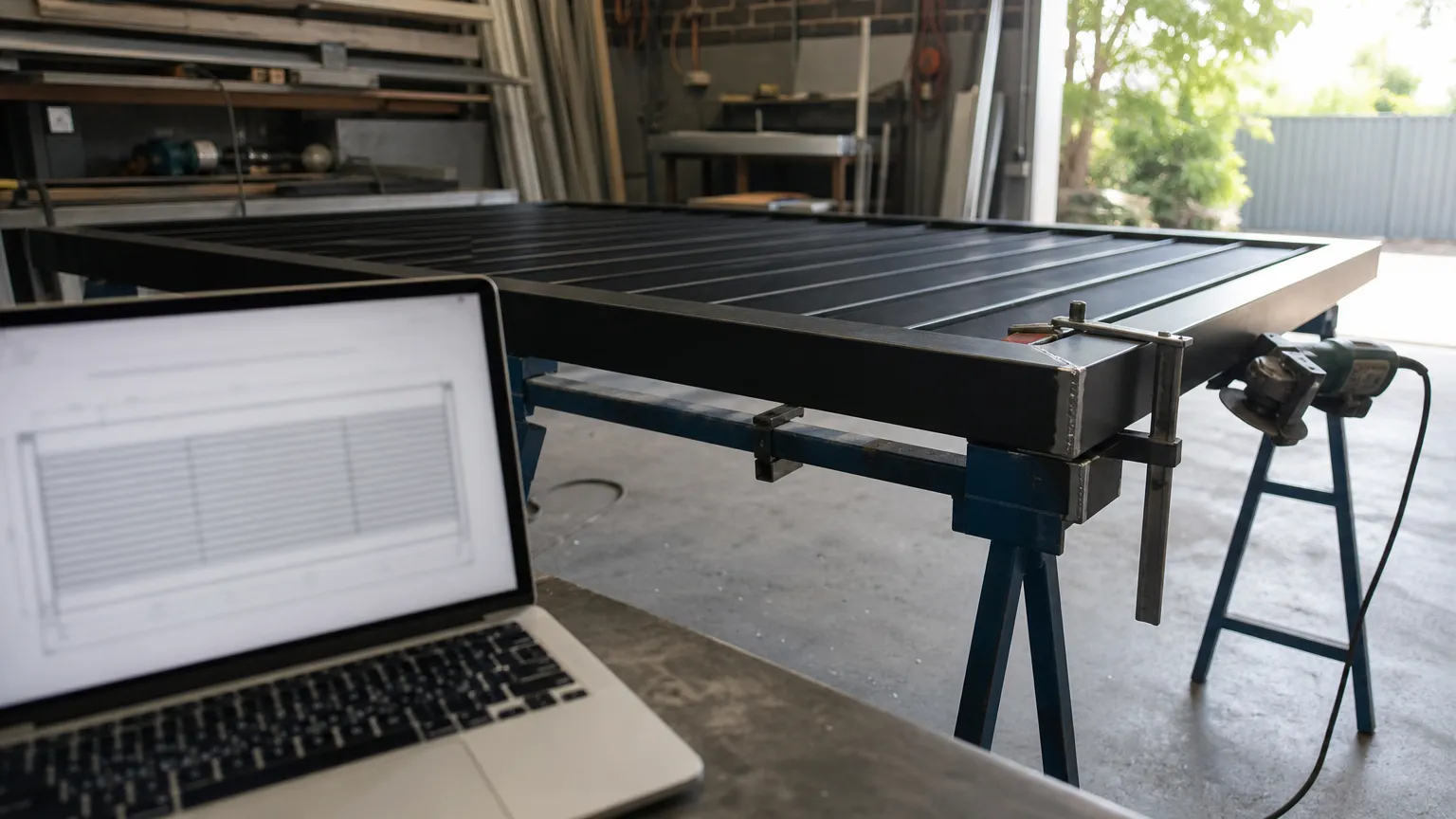
CAD60 was built for exactly that list. Pick a model, type the sizes, and it builds a 3D model and draws the full A4 set: views, detail sheets, dimensions and a cutting list. Drawings in 60 seconds. For a raked gate you can type a different height on each side. Paid users also get STEP files, their logo on every sheet, and a 3D link to send the customer.
What are the limits of a gate configurator?
Every configurator, CAD60 included, has the same basic limits:
- It only draws what it knows. A gate type or option it does not have cannot be drawn. CAD60 draws only its catalogue models. Paid users can ask for a new model, built free, but that takes time.
- The options are boxed in. You choose from its tubes, infills and hardware, or type a custom size where the form allows it.
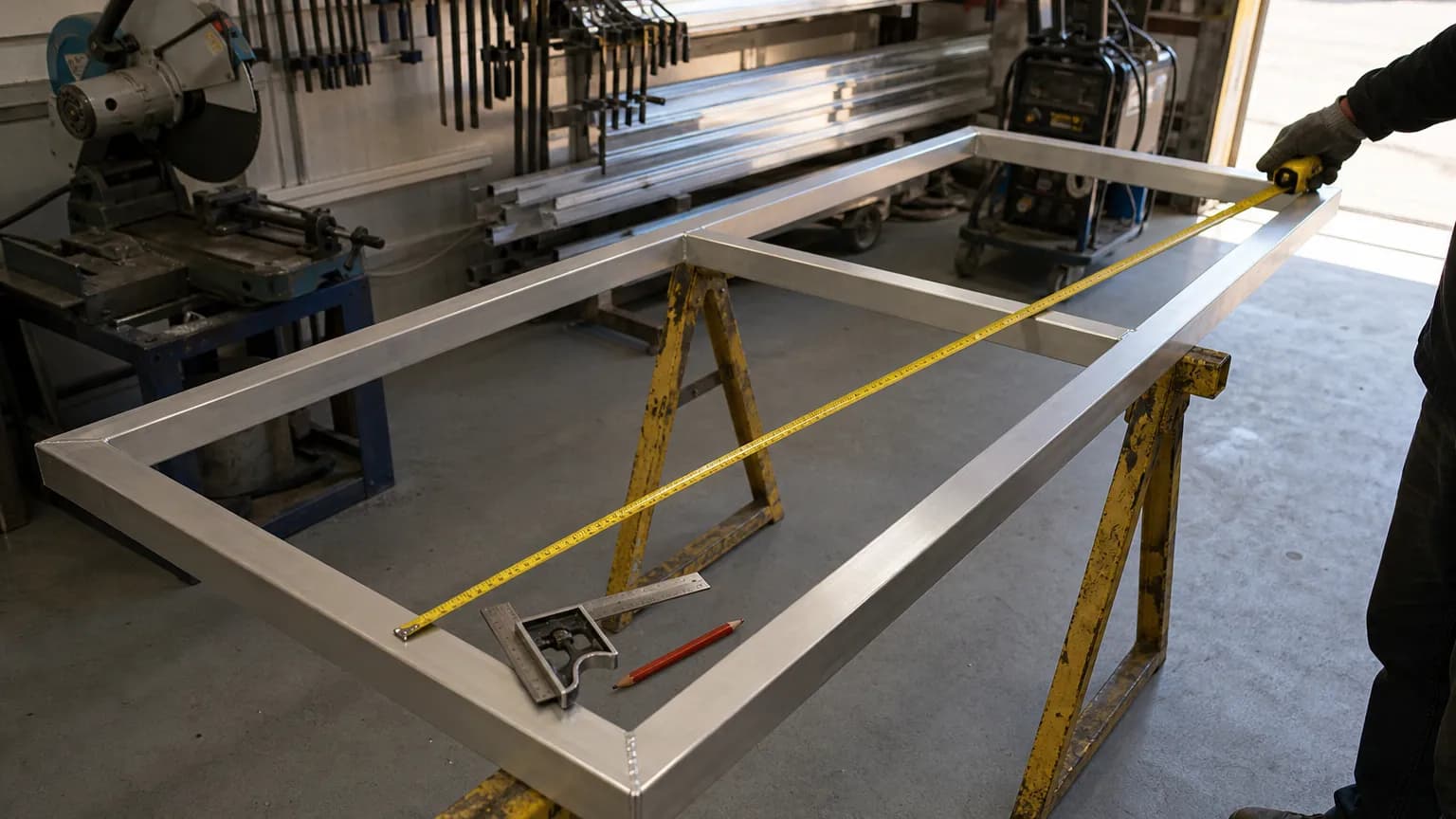
- You still check it. A drawing is only as good as the measurements you type. Measure twice. See how to measure up a gate job.
CAD60 only gives a DXF cut file on its decorative sheet models, and its free plan shows a watermarked preview of your own sizes. Clean downloads are on the paid plan. See the pricing page.
How do you pick a gate configurator?
- Decide who it is for. Showing a customer a style? A supplier configurator is fine. Building the gate? You need a drawing tool.
- Check it has your gates. Run your last three jobs through it. If two of them will not fit, look elsewhere.
- Look at the output, not the form. Would your welder build from it without a phone call?
- Check you own the output. CAD60 says the drawings you make are yours to use and send on.
Common questions
Are online gate configurators free?
Seller configurators usually are, because they lead to a quote or a sale. Brundle's tools are free. Draw A Fence has a free trial. CAD60's free plan shows watermarked previews, and clean downloads are paid.
Can a configurator draw a gate on sloping ground?
Some can. CAD60 lets you type a different height on each side for raked gates and redraws to suit. For measuring the slope, see measuring sliding gates on raked ground.
Do gate configurators give you a cutting list?
Seller tools mostly give a parts list to buy, not a cutting list to make. A fabricator tool should list every member and its length. CAD60 includes one with every drawing set.
Is a configurator drawing accurate enough to fabricate from?
It depends on the tool. CAD60 builds a full 3D model from your numbers and measures every dimension off it, so the views agree. A picture-only configurator is not meant for fabrication.
Can I show the customer the gate before I build it?
Yes. Most configurators show a 3D or 2D picture. CAD60's paid plan adds a shareable interactive 3D view, so the customer can turn the gate around on their phone before they sign off.
What if my gate is not in any configurator?
Then it needs CAD or a drafter. If you make that gate often, ask the configurator maker to add it. CAD60 builds new models for paid users at no extra cost.
Written by Harry Tolley
Harry builds CAD60 with his dad, who has run a fabrication business for 20 years. We write these guides from what goes wrong in a real shop.