On this page
Ask a builder what a shop drawing is and they mean the set you send in for sign-off. Ask a welder and they mean the sheet taped to the bench. Both are right some of the time.
What matters is the job each drawing does: one gets the work approved, the other gets it built. This guide splits the two apart, shows where they overlap, and explains why most small gate and fence shops end up with one set that does both.
What you need to know
- A shop drawing shows how you will make and fit the item. You send it out for approval.
- A fabrication drawing shows how to make each part. It stays in the workshop.
- The architect, engineer or builder approves shop drawings. Nobody outside signs off a fabrication drawing.
- On a typical gate or fence job, one drawing set often does both jobs.
- Do not cut metal until the shop drawing comes back approved.
What is a shop drawing?
A shop drawing is the fabricator's answer to the design drawings. The architect or designer says what they want: a 4 m sliding gate here, black, battened. The shop drawing says exactly how you will make it and how it fits on site.
It usually shows:
- The item in its spot, with the walls, piers, slab or ground around it.
- Overall sizes and clear openings.
- Frame and infill profiles, so the designer can see what they are getting.
- Hardware: hinges, latches, tracks, rollers, motors.
- Fixing details: footplates, core-drilled posts, dynabolts, chemical anchors.
- Finish and colour, such as powder coat in a named colour.
What makes it a shop drawing is who it is for. It leaves your shop and goes to someone who has to say yes before you start.
What is a fabrication drawing?
A fabrication drawing is for the person cutting and welding. It breaks the job down into parts and tells them how to make each one. It says little about the house next door and a lot about lengths, angles, holes and welds.
It usually shows:
- Each assembly in orthographic views (front, side and top), plus sections and details where a joint needs a closer look.
- Every dimension needed to cut and set out the parts.
- A cutting list with profile, length and quantity for every piece.
- Weld symbols or weld notes.
- Hole sizes and positions, mitres, notches and bends.
For the full list, see how to draw a fabrication drawing.
Who makes and approves each one?
The fabricator, or a drafter working for the fabricator, makes both. The difference is what happens next.
A shop drawing goes to whoever runs the design side of the job. On a commercial job that is the architect, the engineer or the builder's project manager. On a house it might be the builder or the owner. They check it against the design and send it back stamped with one of three answers:
- Approved. Go ahead and build it.
- Approved as noted. Go ahead, but make the marked changes.
- Revise and resubmit. Fix it and send it again. Do not start.
A fabrication drawing has no outside approval. The shop owner or the leading hand checks it, and it goes to the floor. If the floor finds a problem, the drawing gets a new revision and the job keeps moving.
What does each drawing show side by side?
Most of the difference comes down to who reads the drawing and how much detail they need.
| Shop drawing | Fabrication drawing | |
|---|---|---|
| Main question | What are you making, and does it fit? | How do I make each part? |
| Who makes it | Fabricator or their drafter | Fabricator or their drafter |
| Who reads it | Architect, engineer, builder, owner | Welders, cutters, installers |
| Approval | Yes, before work starts | Internal check only |
| Site context | Walls, levels, slab, fixings | Little or none |
| Cutting list | Sometimes | Always |
| Weld detail | Key joints only | Every weld, by symbol or note |
| Hardware | Named and placed | Placed, with mounting holes and plates |
In big structural work these really are separate sets. The detailer makes general arrangement sheets for approval, then single-part sheets for the shop. That is where the two names come from.
Are they the same thing in a small shop?
Mostly, yes. On a gate, fence or balustrade job, the item is simple enough that one good drawing set can carry both jobs. The front sheets show the whole thing in place with overall sizes, hardware and finish. That is what the builder signs. The back sheets show the frame, the infill spacing, the details and the cutting list. That is what the welder uses.
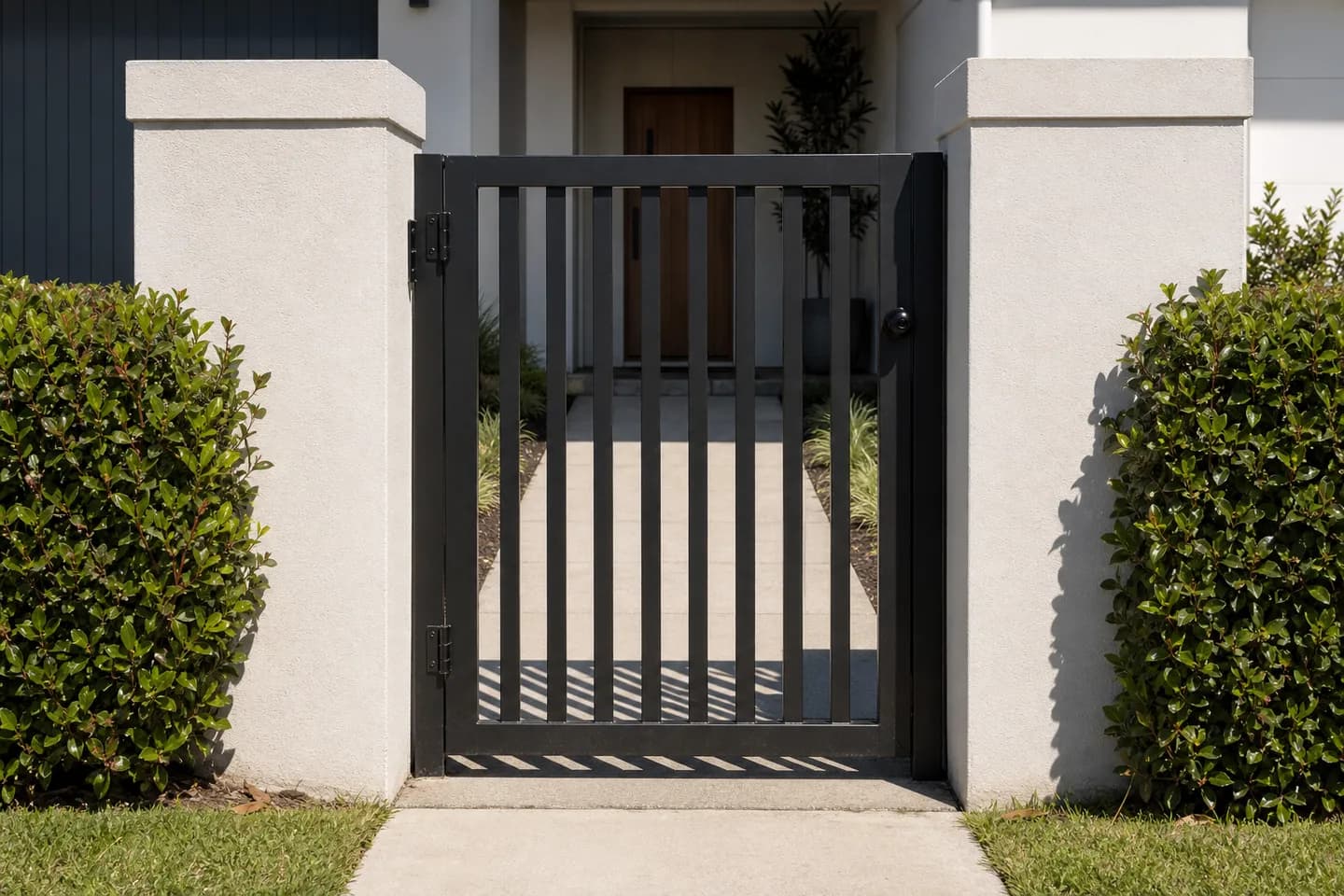
That is why you hear the words used as if they mean the same thing. In a small shop, they often do. When a builder asks for "shop drawings" on a gate, they usually want a clear set with sizes, profiles, hardware and finish that they can check before you order material.
Where it changes is on bigger jobs. A commercial job might have a spec that lists exactly what the shop drawing must show. Read it before you draw, because a missing item means a resubmit and lost days.
Which one do you need for your job?
Use this rule of thumb:
- Someone else has to approve it? You need a shop drawing. Send it, wait for the stamp, then build.
- Someone else is building it? You need a fabrication drawing. Every size, every part, nothing left to guess.
- Both? Do one set. Put the "approval" view up front and the build detail behind it.
The worst outcome is starting work on an unapproved shop drawing. If the architect then changes the batten size or the colour, the cut stock is scrap and the time is gone. Wait for the stamp.
If you are working out what a drawing should cost, see what a gate shop drawing costs. For a worked example on one product, see how to make a shop drawing for a sliding gate.
How do you make one set that does both jobs?
Start from the item, not the paper. If the sizes come from one 3D model, every sheet agrees with every other sheet. Change the width and the elevation, the plan and the cutting list all move together. That is how 3D CAD packages work, and it is how CAD60 works too.
A set that does both jobs usually has:
- A front elevation with overall sizes and the clear opening.
- A side view and a plan view showing posts and fixings.
- Detail sheets for hinges, latches, posts and footings.
- A cutting list.
- A title block on every sheet with your name, the job, the date and a revision letter.
CAD60 only draws the models in its catalogue, so a one-off job still needs CAD or a drafter. For gates, fences, screens and balustrades it covers, the same set goes to the builder for approval and to the bench for the build. If you need to move files on to someone else, see DXF vs DWG vs STEP.
Common questions
Is a shop drawing the same as a fabrication drawing?
Not strictly. A shop drawing is sent out for approval and shows how the item fits on site. A fabrication drawing tells the workshop how to make each part. On small jobs one set often does both, so people use the words loosely.
Who prepares shop drawings?
The fabricator or subcontractor, or a drafter they hire. The architect or designer makes the design drawings. The fabricator turns those into shop drawings that show exactly what they will build.
What does approved as noted mean?
It means you can go ahead, but you must make the changes marked on the sheet. Update your drawing to match the notes so the workshop does not build from the old version.
How are design drawings different from shop drawings?
Design drawings show what the client wants and where it goes. Shop drawings show how the fabricator will make it: real profiles, hardware, fixings and sizes. The design drawing comes first and the shop drawing answers it.
Does a shop drawing need a cutting list?
Not always. The reviewer cares about sizes, profiles and finish, not the length of every rail. A fabrication drawing always needs one. If your set does both jobs, put the cutting list on the last sheet.
Can I start building before the shop drawing is approved?
You can, but it is a gamble. If the reviewer changes a size, profile or colour, the cut and coated stock may be wasted. Most shops order material only once the stamped drawing is back.
Written by Harry Tolley
Harry builds CAD60 with his dad, who has run a fabrication business for 20 years. We write these guides from what goes wrong in a real shop.