On this page
- What is the difference between a fence layout and a fence drawing?
- What do fabricators actually use to design fences?
- How do the fence design tools compare?
- What do fence layout tools do well?
- How do you draw the fence panels themselves?
- What can CAD60 not do for fences?
- How do you choose fence design software?
- Common questions
Search for fence design software and most of what comes up is built for fence installers. It draws a line around a block on a satellite photo, counts the panels and prices the job. That is useful. But it is not the same as a drawing a welder can build a panel from.
This guide splits the tools into the two jobs they do, layout and fabrication, and compares the main options. Every claim about another product was checked on that company's own site in October 2026. CAD60 is one of the options, with its limits spelled out.
What you need to know
- A fence layout shows where the fence goes. A fabrication drawing shows how to make each panel.
- ArcSite, Vectorworks and Draw A Fence lay out fence runs. Most of them stop short of a panel shop drawing.
- General CAD (SketchUp, AutoCAD LT) can draw anything, but you draw every picket and rail yourself.
- CAD60 draws fence panels and runs from your sizes in 60 seconds, but only the styles in its catalogue.
- Many shops need one layout tool and one drawing tool, not one tool for everything.
What is the difference between a fence layout and a fence drawing?
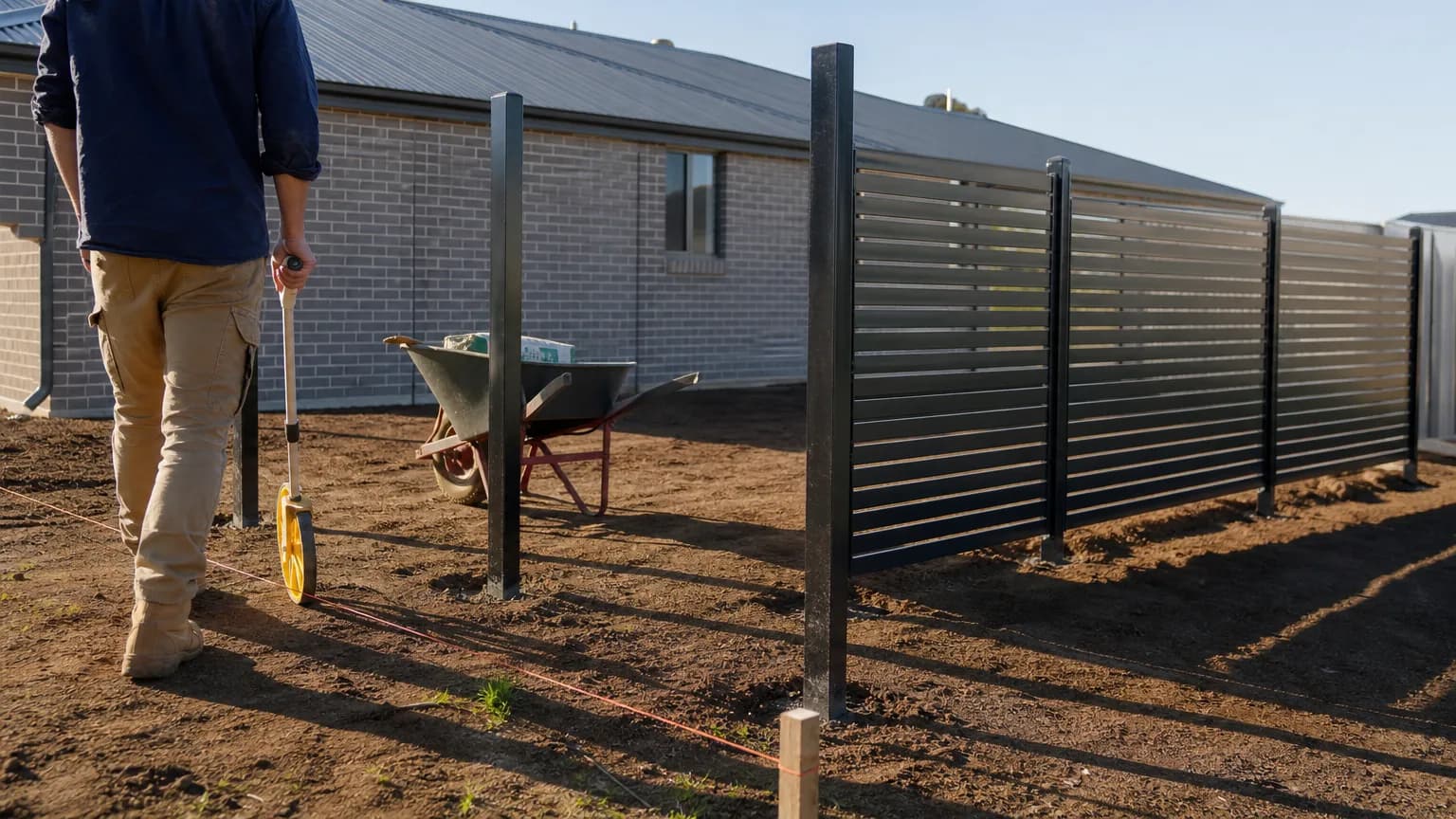
A layout is the bird's eye view. It shows the fence line on the block, where the posts go, how many panels fit, and where the gates sit. Installers and estimators live in layouts.
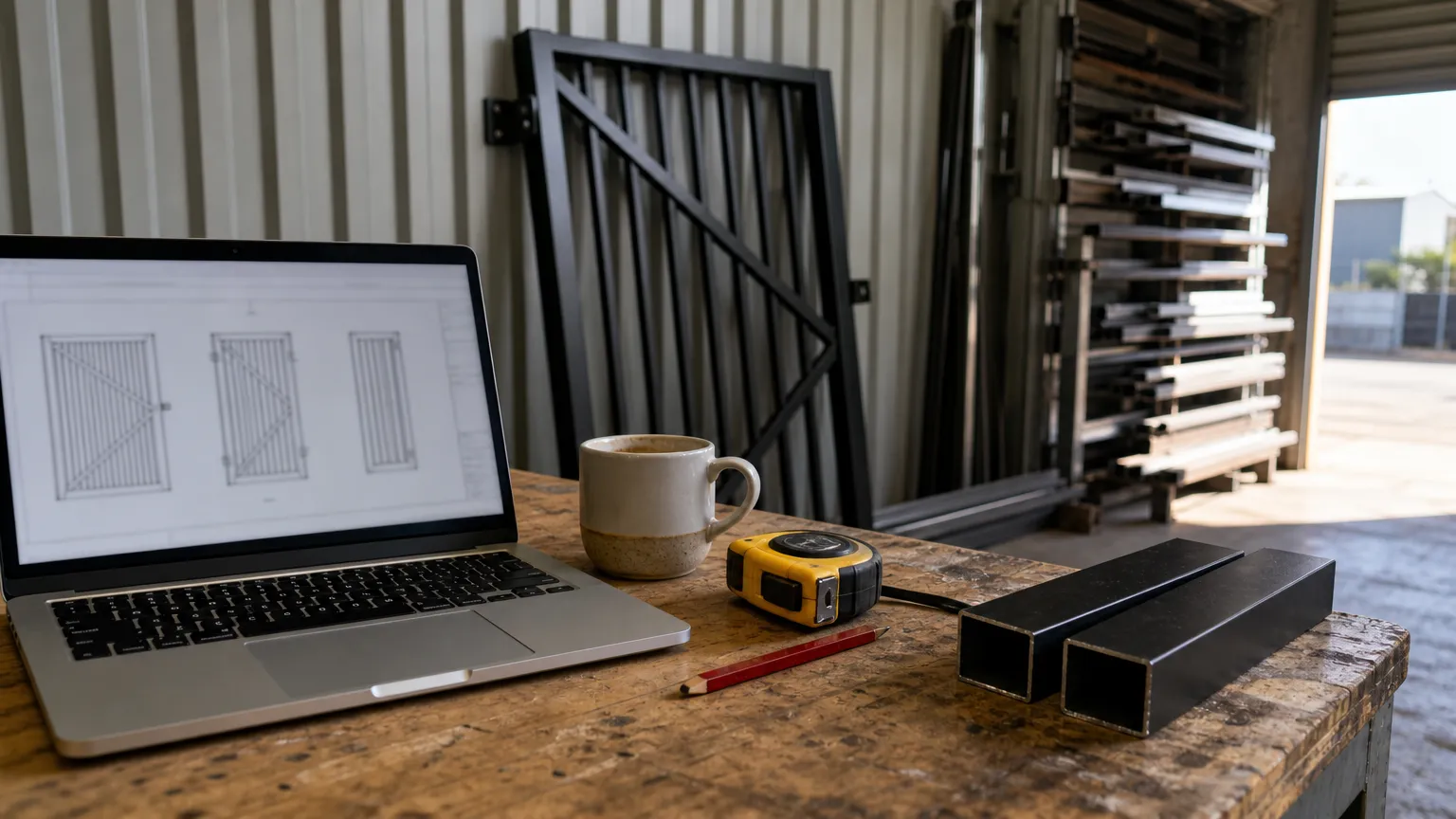
A fabrication drawing is one panel up close. It shows the frame tube, the infill, the gaps, the post and footing, every size and a cutting list. Welders live in these.
If you only install bought-in panels, a layout tool may be all you need. If you make the panels, you need both. Most fence software does the first job well and the second job barely at all.
What do fabricators actually use to design fences?
Four kinds of tool turn up in fence shops:
- Fence layout and estimating apps, like ArcSite. Draw the run, count the parts, send a proposal.
- Design CAD with a fence tool, like Vectorworks. Fences drawn on a site model by garden designers and architects.
- General CAD, like SketchUp or AutoCAD LT. Draw anything, one line at a time.
- Drawing generators, like Draw A Fence in North America and CAD60. Pick a style, type sizes, get drawings.
Retail fence planners sit off to one side. Teamwork Fencing, an Australian online supplier, has a fence builder where you type your measurements and get a parts list with prices for its own panels, posts and gates. Handy for a DIY customer. It does not make a drawing.
How do the fence design tools compare?
Checked on each vendor's own site in October 2026. "Makes panel drawings" means a dimensioned drawing of the panel itself, ready to fabricate.
| Tool | Main job | Runs on | Free option | Makes panel drawings |
|---|---|---|---|---|
| ArcSite | Layout, takeoff, proposals | Windows, Mac, iOS, Android | 14-day trial | Not mentioned on its site |
| Vectorworks (Fence tool) | Site and garden design | Vectorworks Landmark or Architect | Not covered here | 3D fence on a site model, not a shop drawing |
| Draw A Fence | Fence and gate drawing generator | Browser | Free trial, no card | Yes, for US and Canadian fence styles |
| Teamwork Fencing builder | Retail parts list and price | Browser | Free | No, parts list only |
| SketchUp | General 3D modelling | Web, iPad, desktop (Pro) | Free plan, not for commercial use | Yes, if you draw it (LayOut, Pro plan) |
| AutoCAD LT | General 2D drafting | Desktop, web, mobile | 15-day trial | Yes, if you draw it |
| CAD60 | Fence, gate and screen drawing generator | Browser | Free plan: watermarked previews | Yes, for its catalogue styles only |
What do fence layout tools do well?
ArcSite is built for contractors and estimators. Its fence page says it pulls together panel lengths, post positions, gate details and materials as you draw, and that satellite imagery sets the scale to match the property lines. Estimates, takeoffs and proposals are separate features on its plans.
Vectorworks has a Fence tool in its Landmark and Architect products. It draws raked and stepped fences along a path, follows the slope of the ground under it, and lets you insert gates. That is designer territory: the fence is part of a whole site plan.
Draw A Fence is the closest thing to a fence drawing generator. You pick a fence type in the browser and it makes fence and gate drawings without CAD. Its styles are chain link, wood, vinyl, ornamental and similar, aimed at the US and Canada.
If quoting is the bigger pain than drawing, read fence quoting software in Australia next.
How do you draw the fence panels themselves?
Two ways. Draw them in general CAD, or let a generator draw them from your sizes.
In SketchUp or AutoCAD LT you draw the frame, then every slat or picket, then every dimension. Copy and array tools help. It still takes a while, and the next job at a different width means editing it all again.
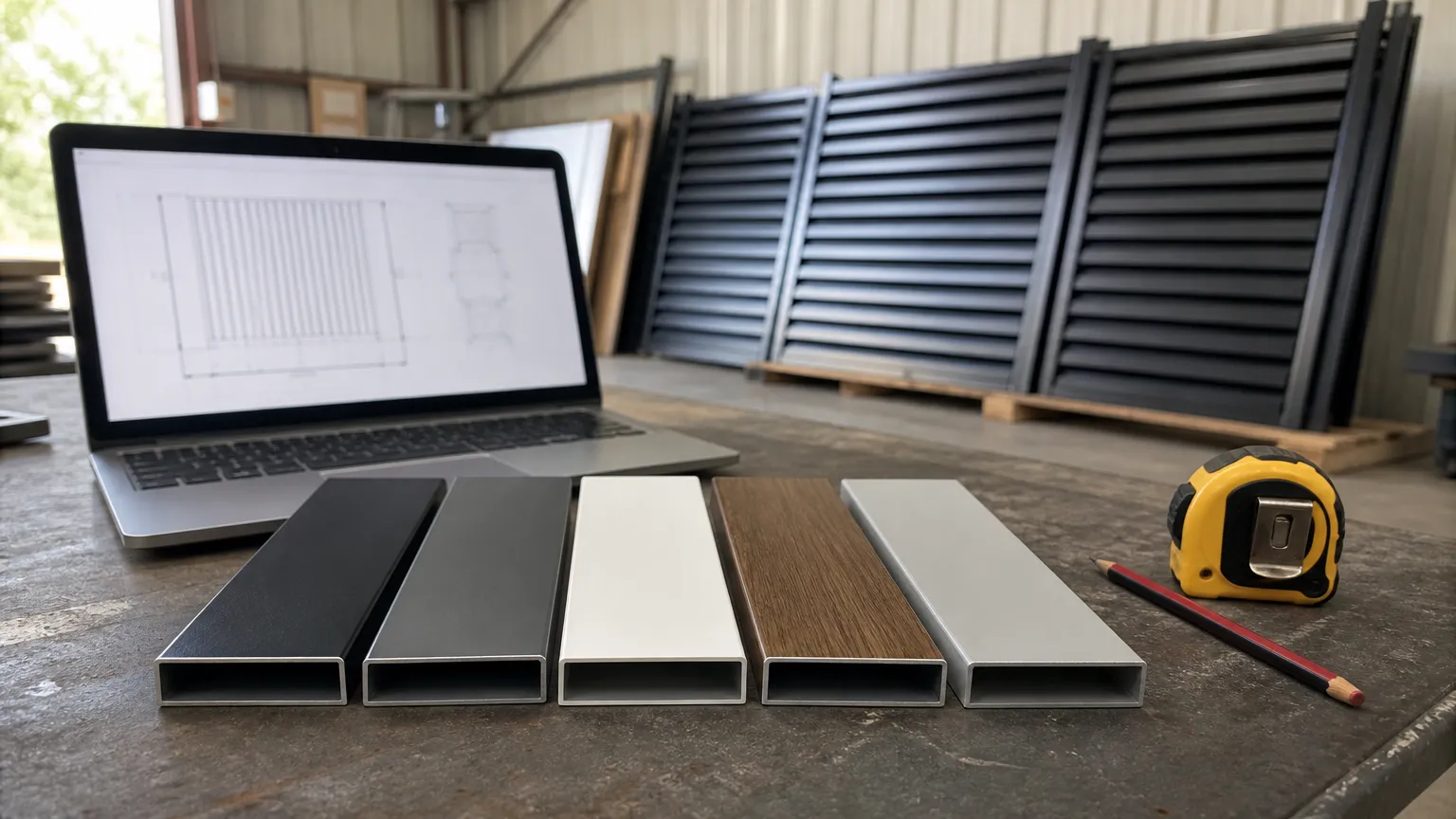
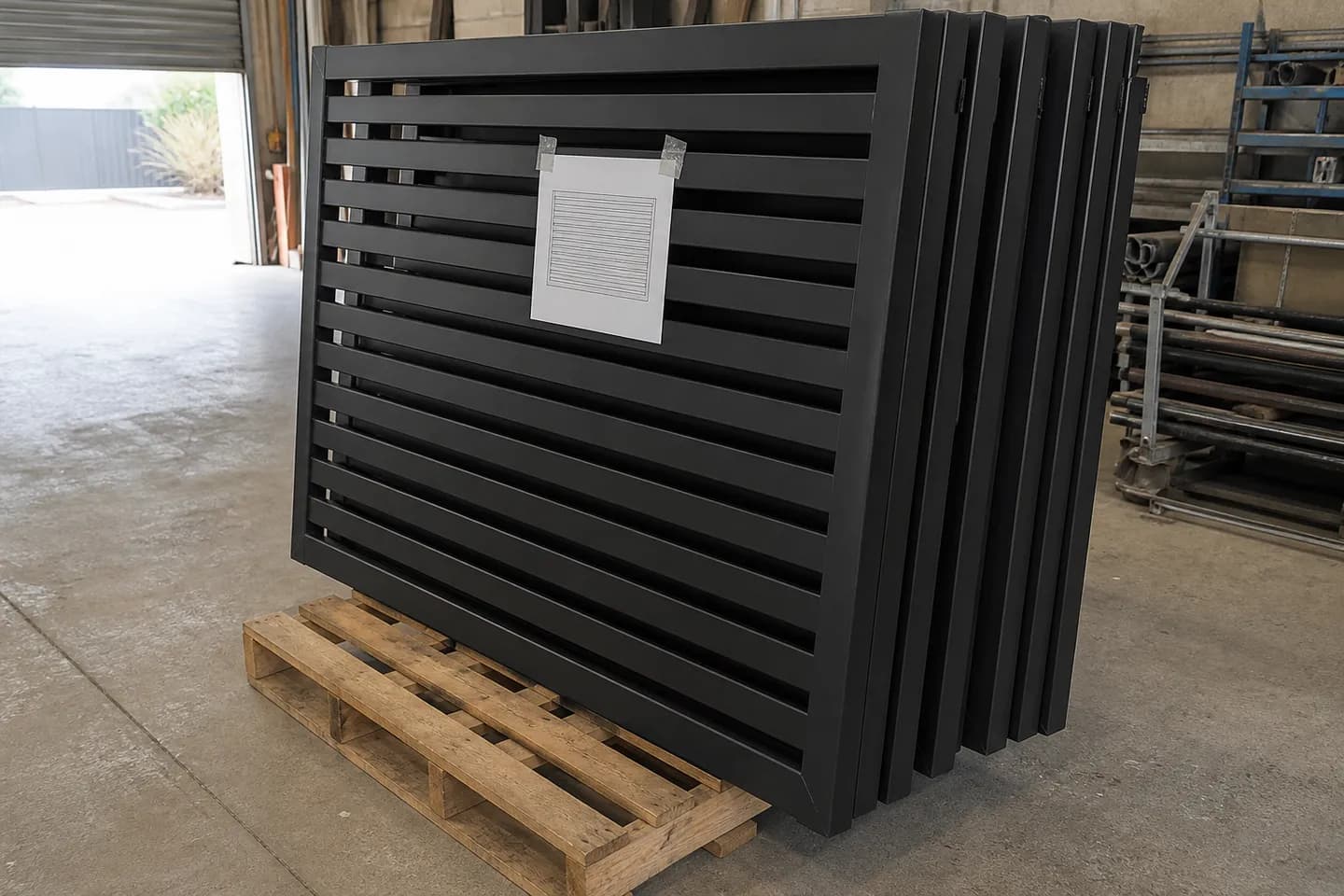
In CAD60 you pick a fence panel or a fence run model, type the length, height, post size and infill spacing, and it draws the set. The catalogue covers battened, slatted, louvred, spear-top, ring-top, Hamptons and timber picket styles, plus pool fence panels and privacy screens.
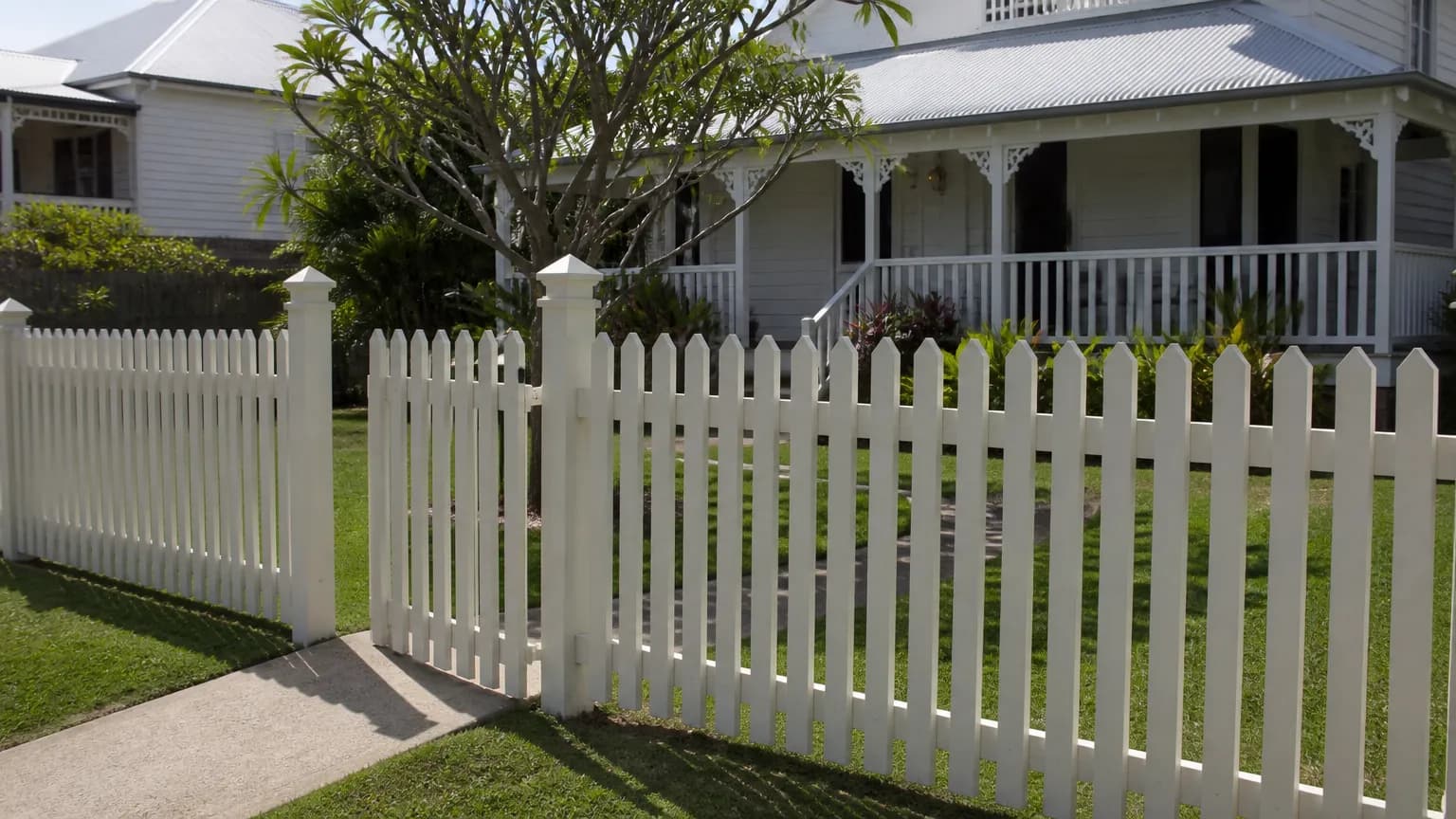
For picket styles and spacing, see picket fence design.
What can CAD60 not do for fences?
Be clear on this before you sign up for anything:
- No site layout. It does not draw your fence line on a satellite photo or a site plan. That is ArcSite or Vectorworks territory.
- Only catalogue styles. If your fence is not one of its models, it cannot draw it. On the paid plan the team will build your model for free, but that takes time.
- Not general CAD. You change sizes and options, not lines.
- DXF only on sheet models. Paid users get PDF and STEP, and a DXF cut file on the decorative sheet models. For other laser parts, take the STEP into other CAD and export DXF.
- Free users get watermarked previews. Clean downloads of your own sizes are on the paid plan. See the pricing page.
How do you choose fence design software?
- Do you make panels or just install them? Installers can stop at a layout tool. Makers need a drawing tool too.
- Are your styles standard? Battens, slats, pickets and pool fence bars at new sizes suit a generator. Custom laser-cut or curved work needs general CAD.
- Where is the time going? If measuring and quoting eats your week, fix that first. If drawing does, fix that.
- Will you use it for paid work? Check the free plan terms. SketchUp Free is not for commercial use.
Common questions
What software do fence companies use?
Installers mostly use layout and estimating apps like ArcSite. Designers use CAD with a fence tool, like Vectorworks. Fabricators who make the panels use general CAD or a drawing generator like CAD60.
Can I design a fence in SketchUp?
Yes. You model each post, rail and picket, then use LayOut (with SketchUp Pro) to make dimensioned sheets. SketchUp Free runs in a browser but is not for commercial use.
Which fence software draws on a satellite map?
ArcSite says its satellite imagery sets the drawing scale to match property lines. Tools like this are for laying out and pricing a run, not for drawing how a panel is made.
Is there free fence design software?
FreeCAD and LibreCAD are free and open source. SketchUp Free is free but non-commercial. CAD60's free plan shows watermarked previews of your own fence sizes. More in free gate drawing software.
Does CAD60 make a cutting list for fence panels?
Yes. Every drawing set includes a cutting list for the members in the panel or run, worked out from the sizes you type. Change the length and the list updates with the drawing.
Can one program do fence layout and fabrication drawings?
General CAD can do both if you draw everything yourself. Otherwise most shops pair a layout or quoting tool with a drawing tool, because each is built for a different job.
Written by Harry Tolley
Harry builds CAD60 with his dad, who has run a fabrication business for 20 years. We write these guides from what goes wrong in a real shop.